
Plans are now their own record
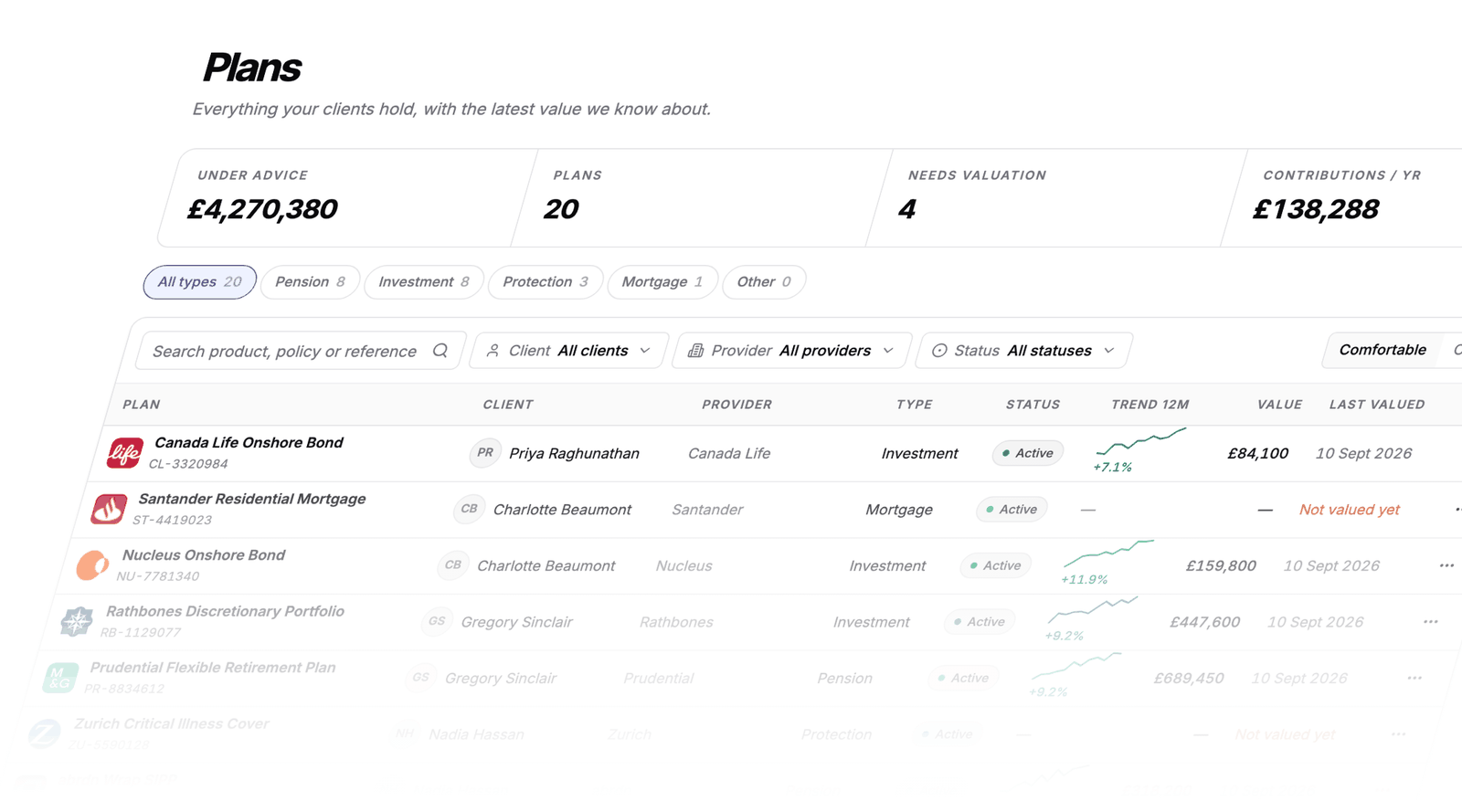
The new Plans section brings your clients’ plans together, with totals for value under advice, plan count, overdue valuations and annual contributions.
Each plan shows its provider, type, status, latest value and 12-month trend. Filter by client, provider, type or status to find the records you need.
Your plan details in one place
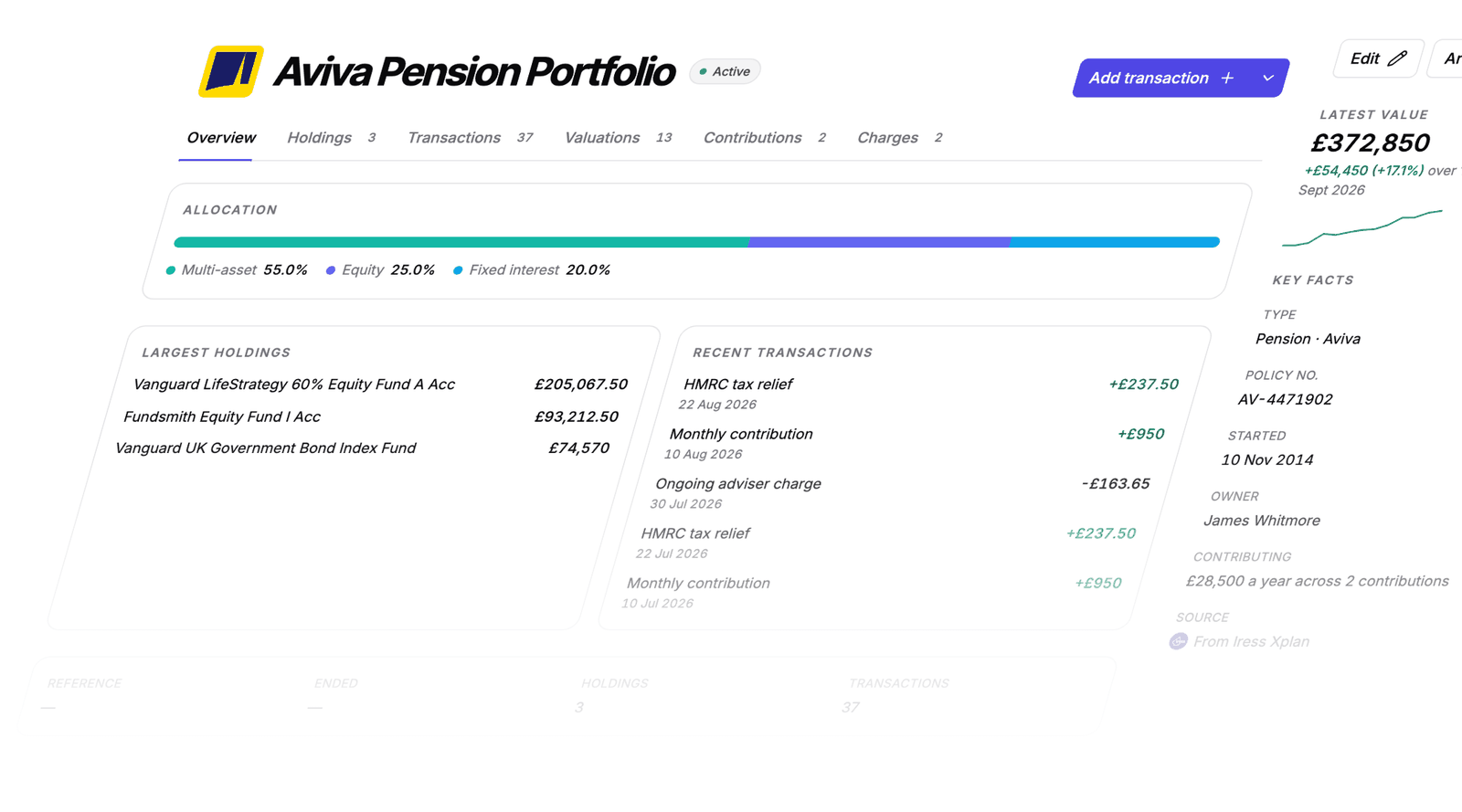
Each plan has its own page showing asset allocation, largest holdings and recent activity. Key details sit alongside them: provider, policy number, start date, ownership, contributions and the system the record came from.
Holdings, priced and weighted
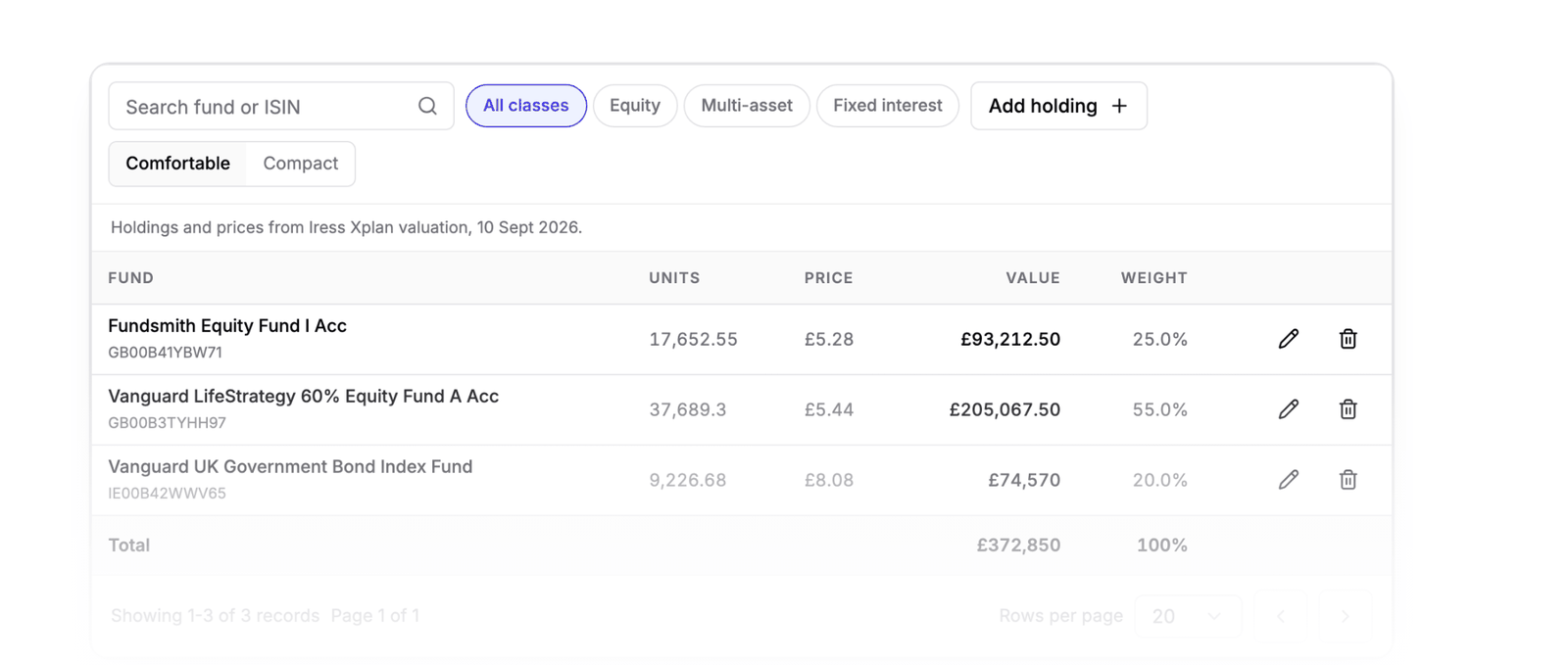
See every fund inside a plan, with its ISIN, units, unit price, value and share of the portfolio. Holdings are totalled and marked with the valuation they came from, so you can check them against the plan value.
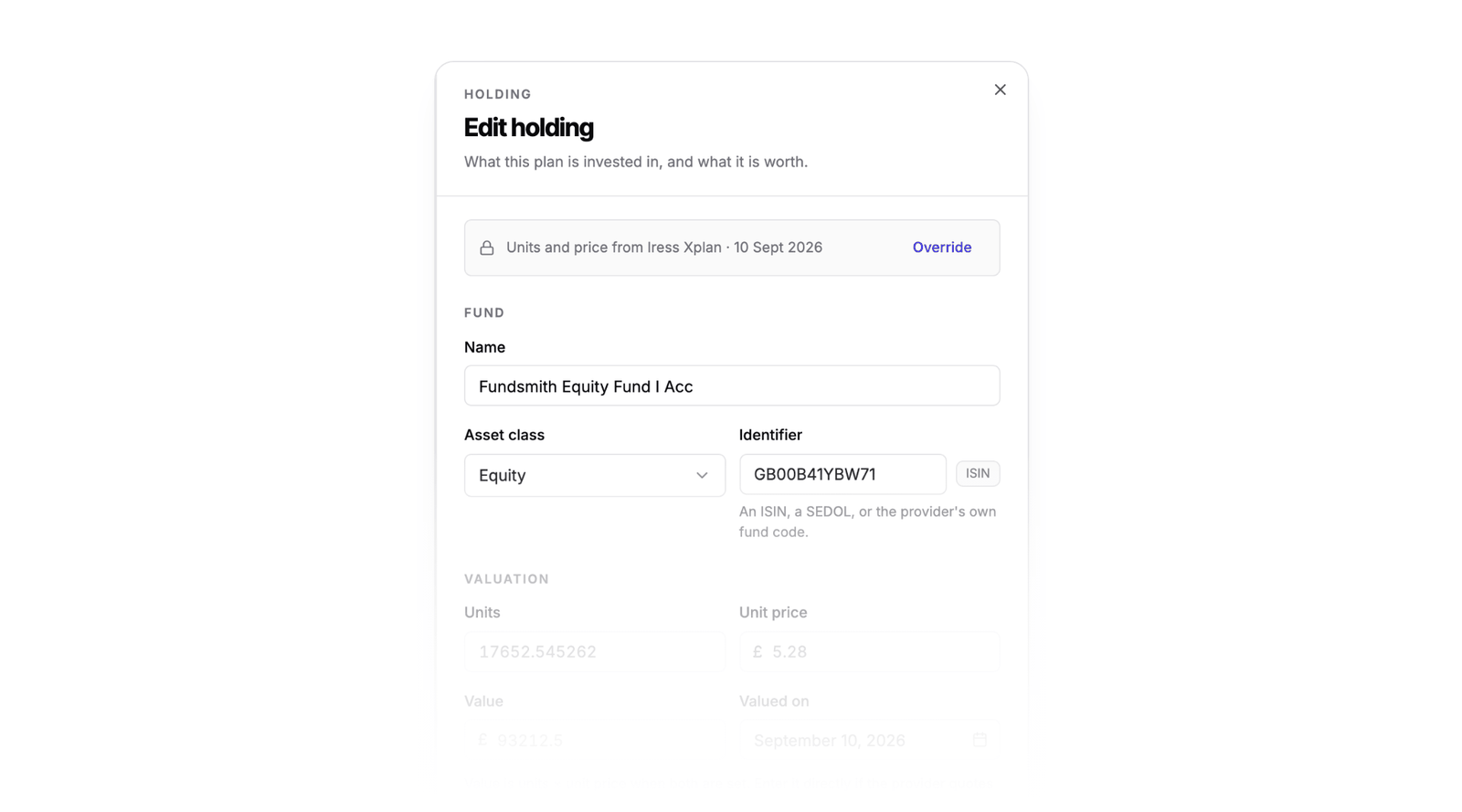
Imported holdings keep a record of where they came from. Units and prices from a back office valuation stay as the provider quoted them unless you deliberately override them.
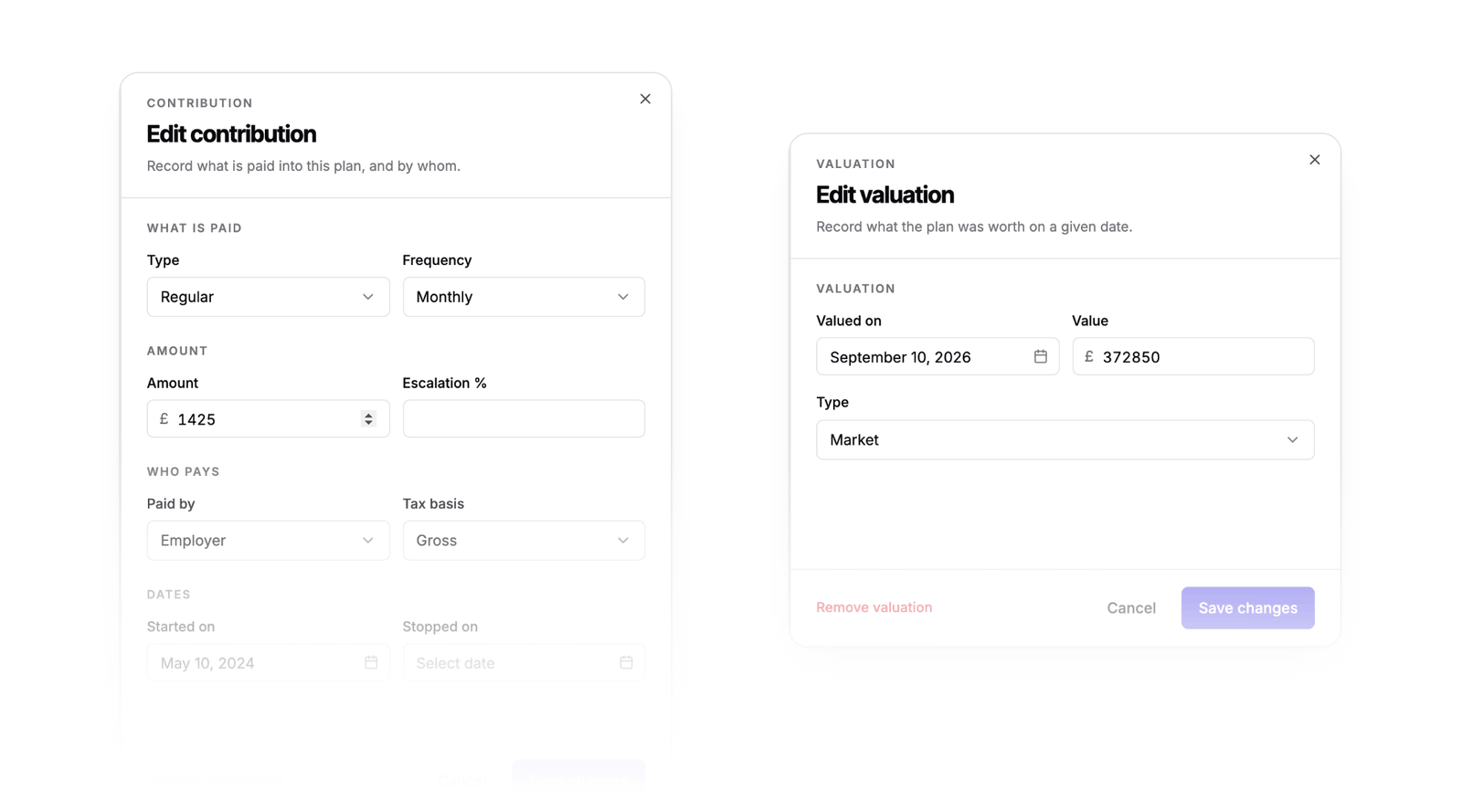
Manage contributions and valuations
Contributions keep the payer and tax basis, including employer and client contributions, relief at source and salary sacrifice. Each valuation is a dated record, rather than a single current value. You can correct both directly where you’re reading them.
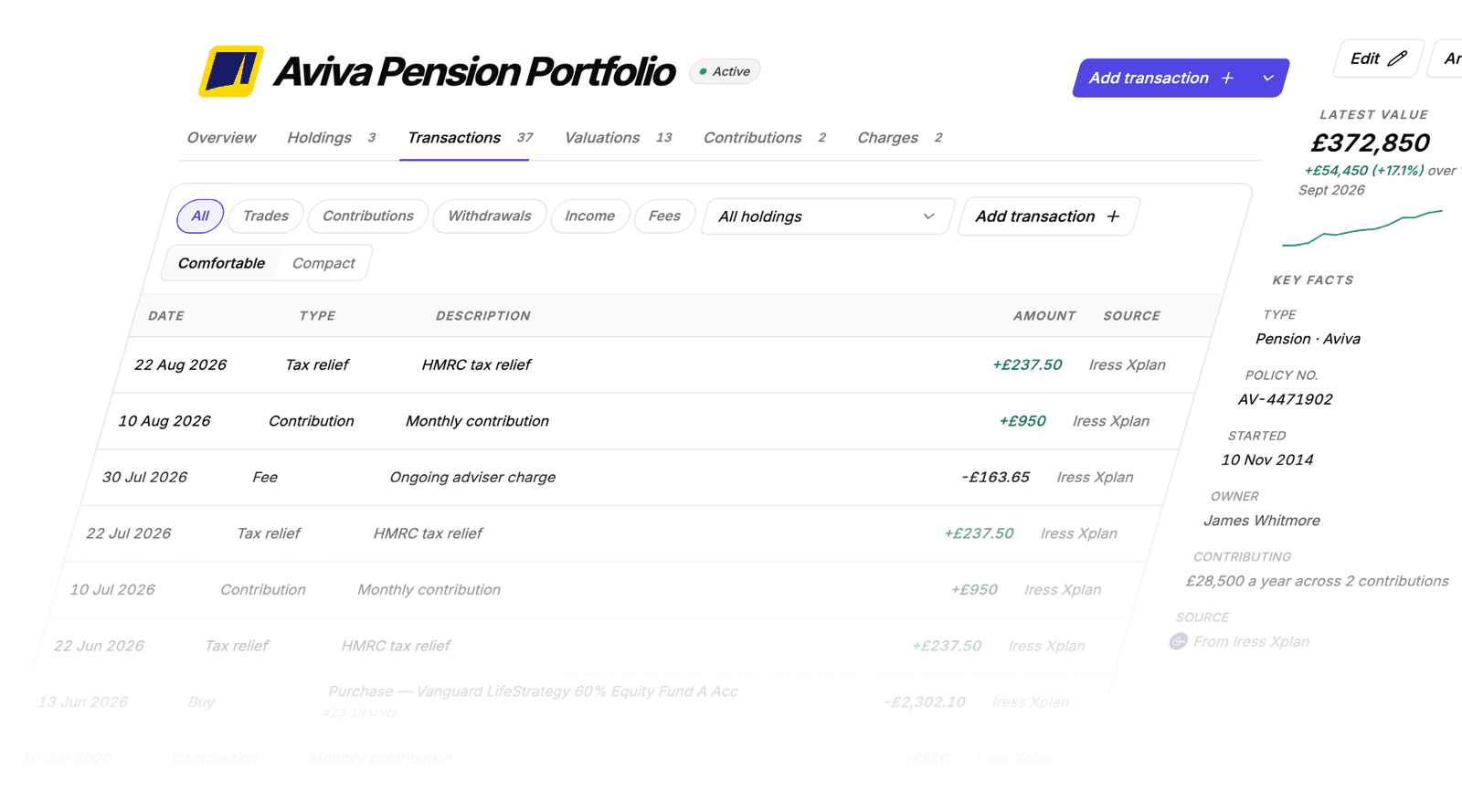
Every movement, dated and sourced
Contributions, trades, income, tax relief and fees appear on a timeline you can filter by transaction type or holding. Each entry shows its date and source system, helping you investigate a figure that needs checking.
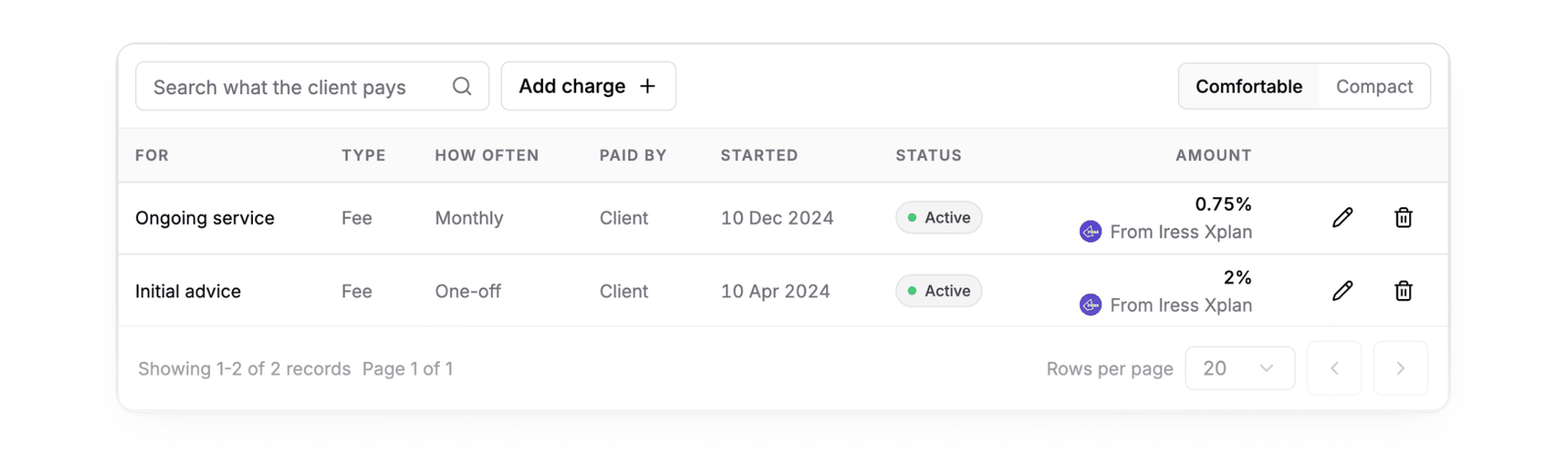
A clear view of client charges
View initial and ongoing charges alongside the plan’s other details. Each charge shows whether it is fixed or percentage-based, who pays, when it started and the system it came from.
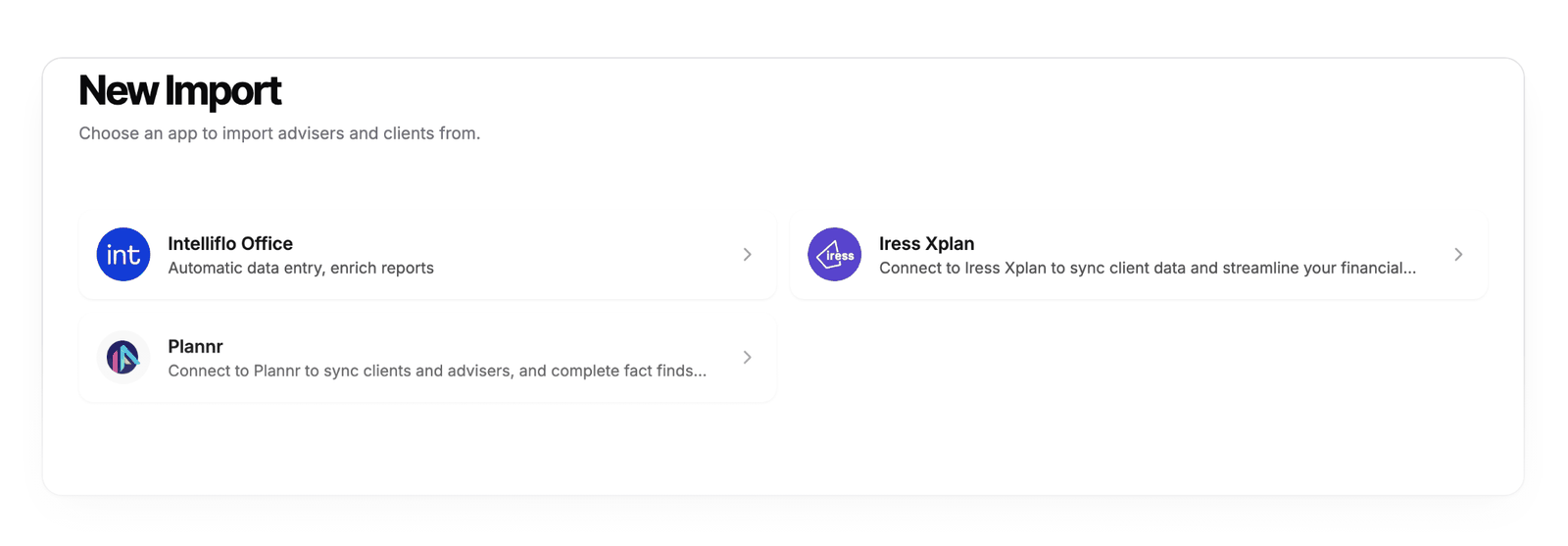
Import from the back office you already use
Bring plans, holdings, contributions, transactions and charges into Templi from Iress Xplan, Plannr or Intelliflo Office. On the next import, Templi matches and updates existing records without creating duplicates.
Nothing is sent back until you approve it
For Plannr and Intelliflo Office, Templi shows what it will add, update or remove, with a short explanation of why, before sending a change to the back office.
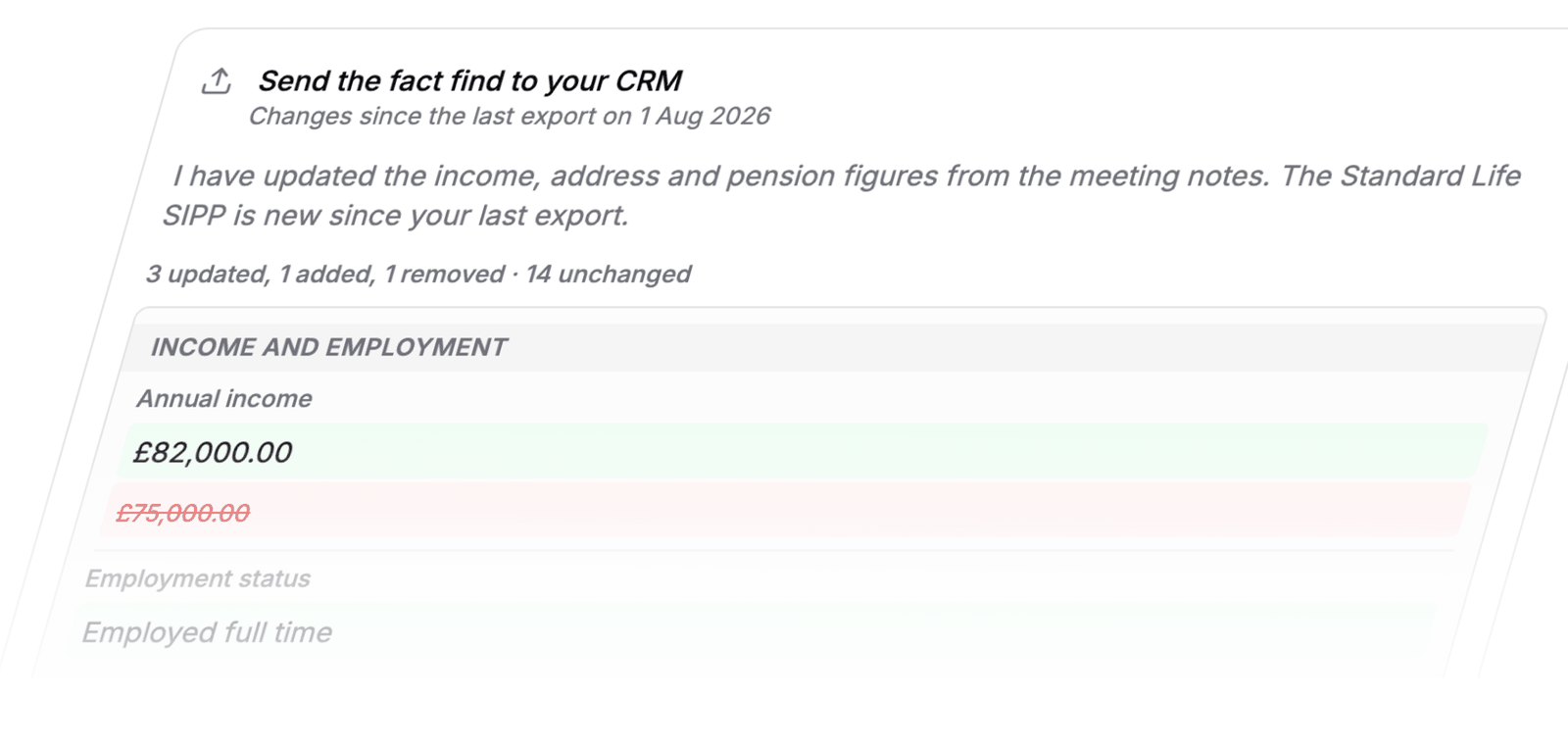
Approve the change to send it. If something needs correcting, reject it with a reason and Templi revises the work for you to check again. This replaces the previous “request review, then confirm export” step with a view of the proposed changes before you decide.
Coming next
Live asset feeds
Live asset feeds are the next big addition to Templi. Join the waitlist to hear when they’re ready, and tell us which providers and investment platforms matter most to your firm.
Want to see what Templi can do for your firm today? Book a walkthrough with the Templi team.