Templi has a new look, and it starts with your clients. Every client now has a room of their own, your day lives on one Desk, and everything Templi makes sits in one Library.
Everything now starts with your client
Advice work is organised around clients, but Templi used to be organised around tools. Templates lived in one place, meetings in another, documents in a third, and pulling together one household meant clicking through all of them.
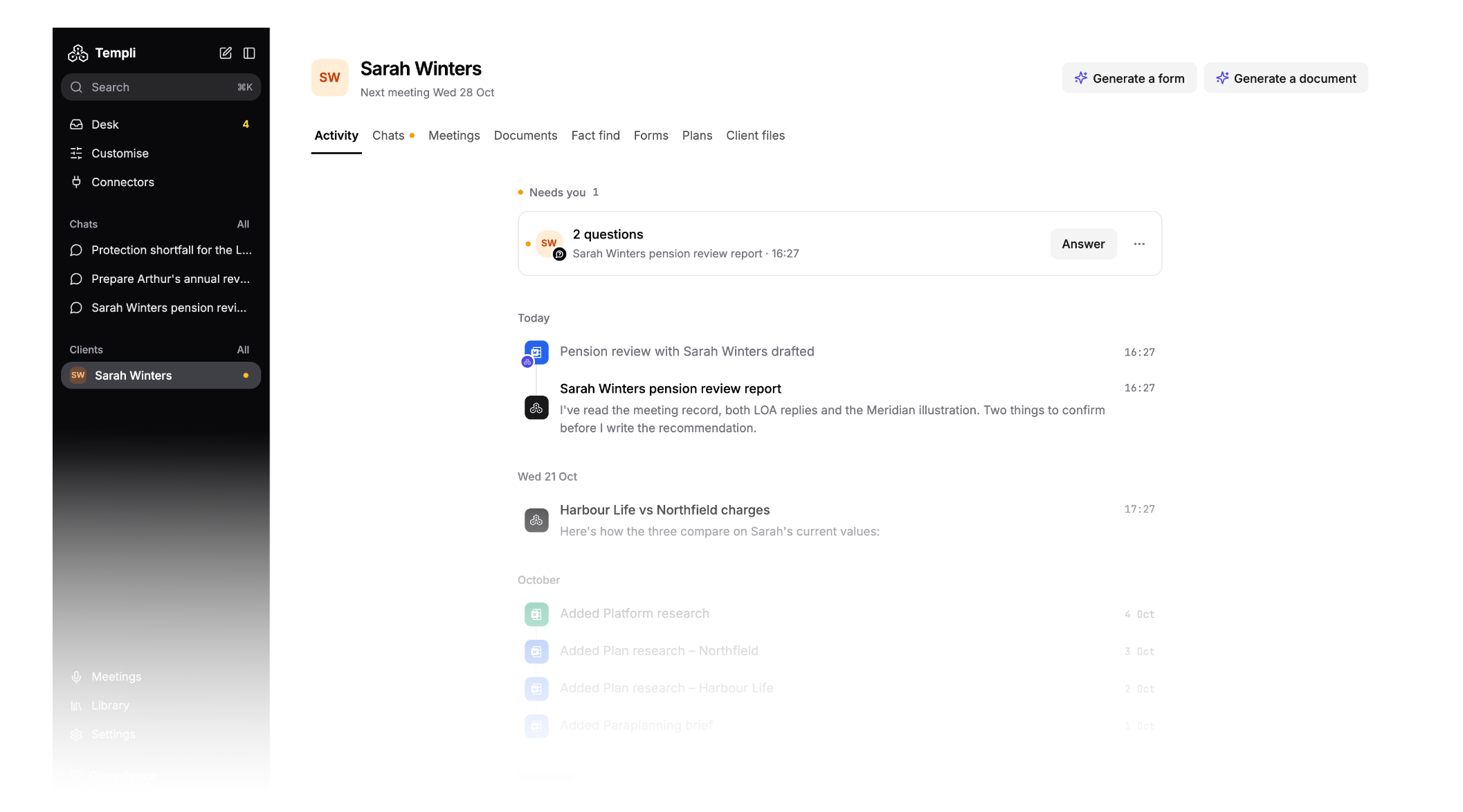
The new Templi turns that around. Each client has a room holding their meetings, chats, documents, fact find, plans and files, and the rest of the app is a short list in the sidebar. Open a chat on any screen to ask Templi something about the client you're looking at.
Desk: everything on your plate today
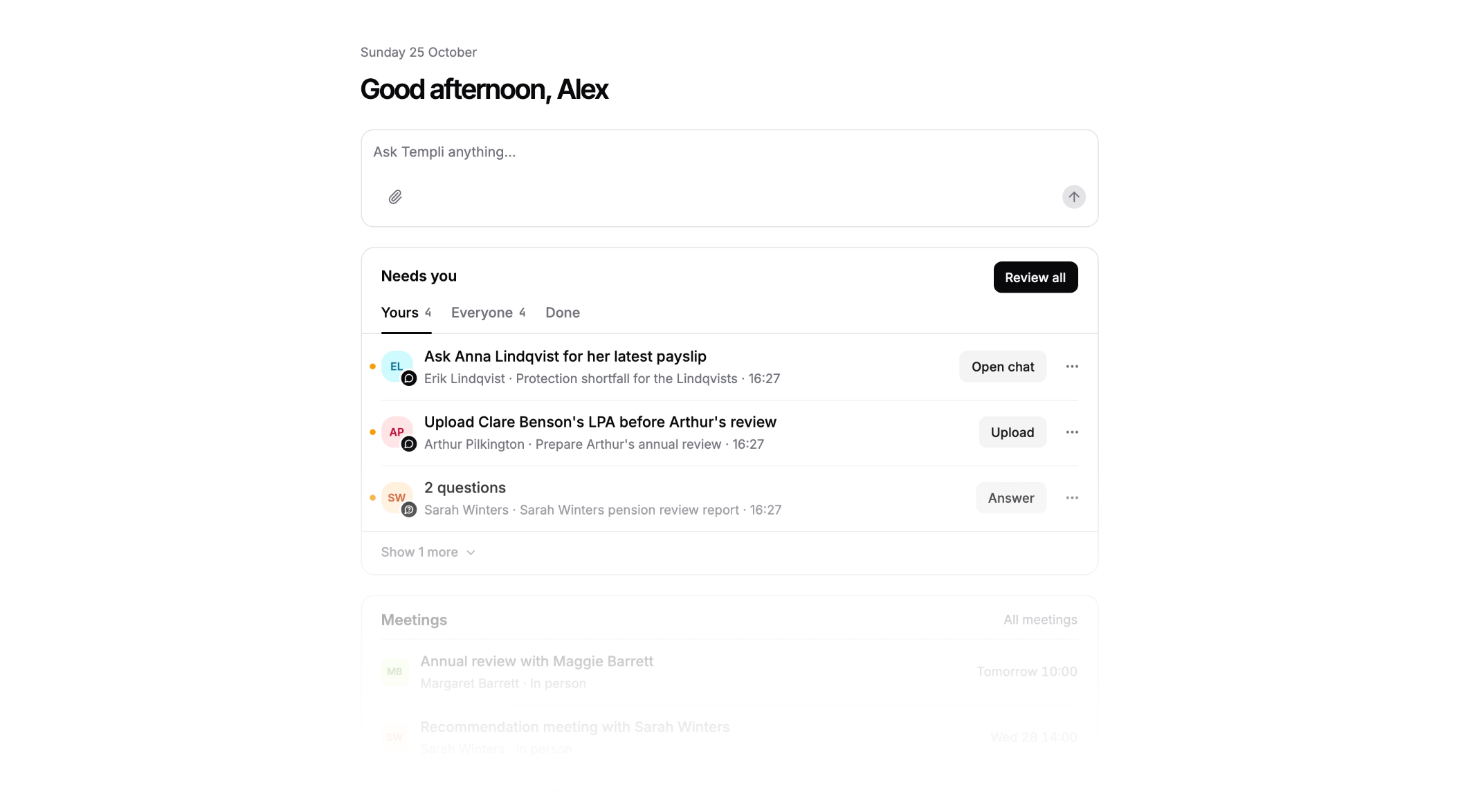
Desk shows what needs you today: meetings coming up, reports to review, fact finds ready to push to your back office, and any question Templi needs you to answer. Work through it top to bottom, snooze what can wait, or hand an item to a colleague.
Client rooms: one place for each client
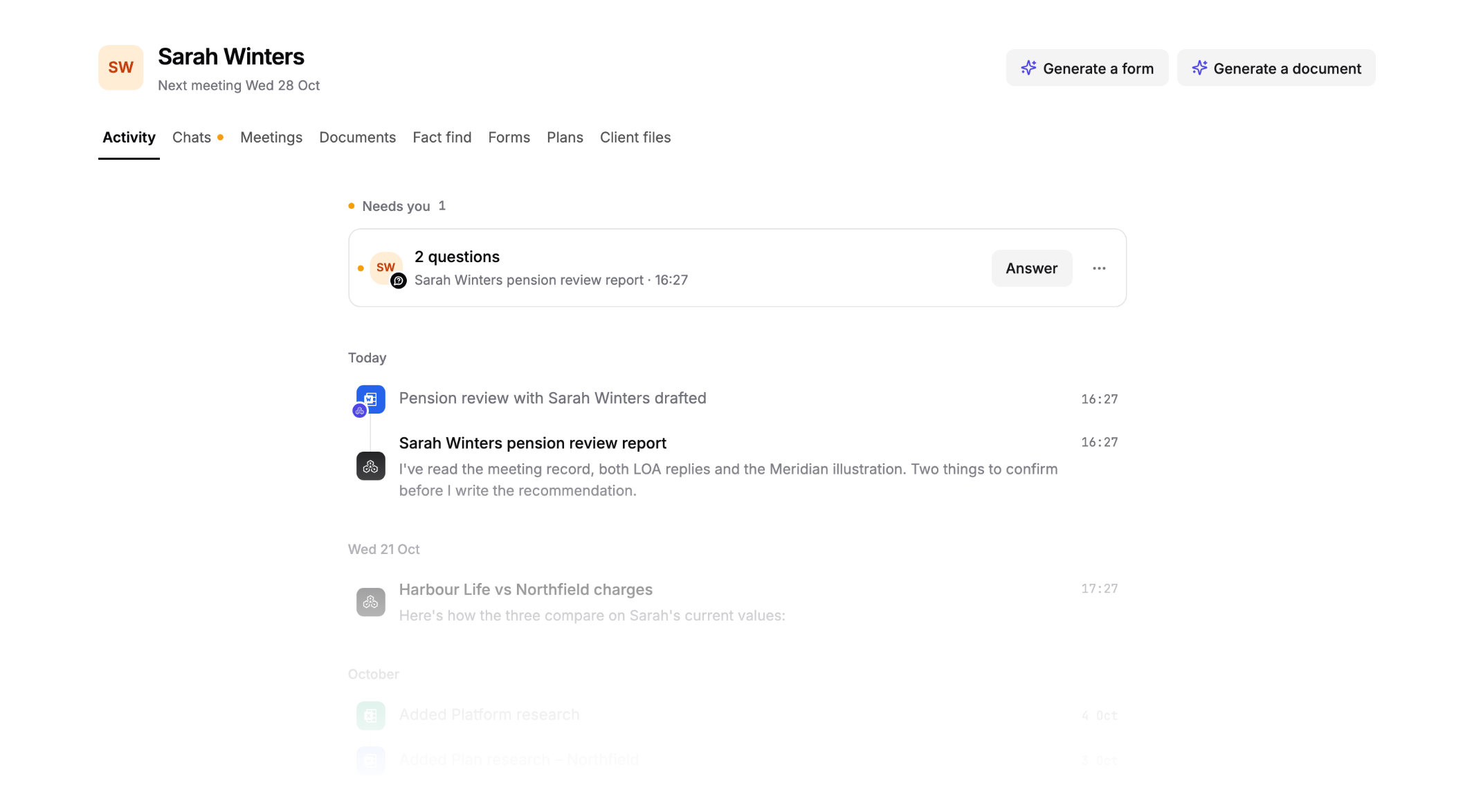
Open a client and everything about them is there: an activity timeline of what has happened, plus their chats, meetings, documents, fact find, forms, plans and files. Generate a Word report or a form from the room and Templi already knows who it's for. Documents open beside the chat, so you can ask for changes while you read.
Chat beside your work
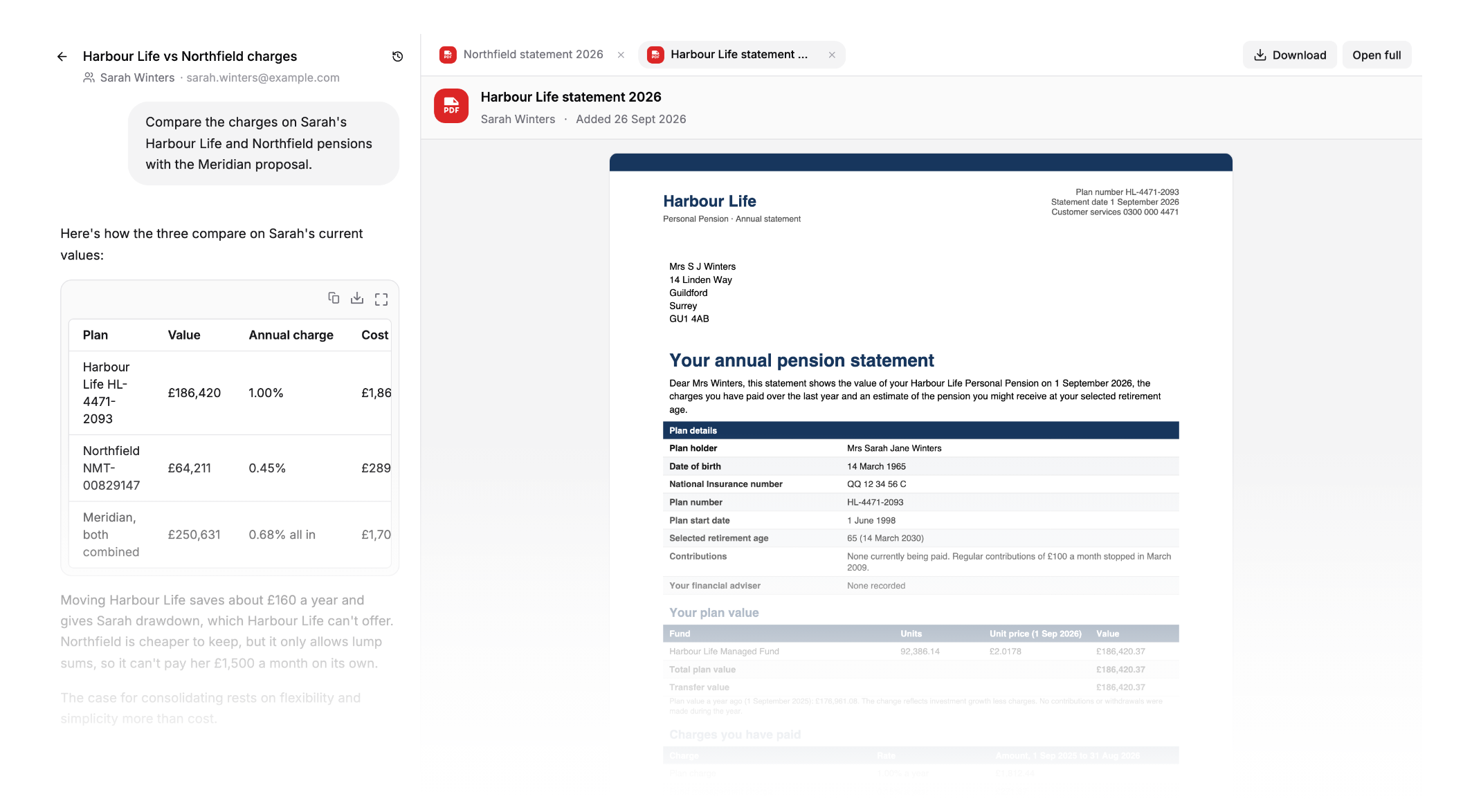
Press Ask about on any client, meeting, file or template and a chat with Templi opens beside it. Templi opens what it's working from in tabs next to the chat, like a pension statement, a report or a form, and turns to the page it's talking about. Select a line in a report and it goes straight into the chat.
Annual reviews: see who is due
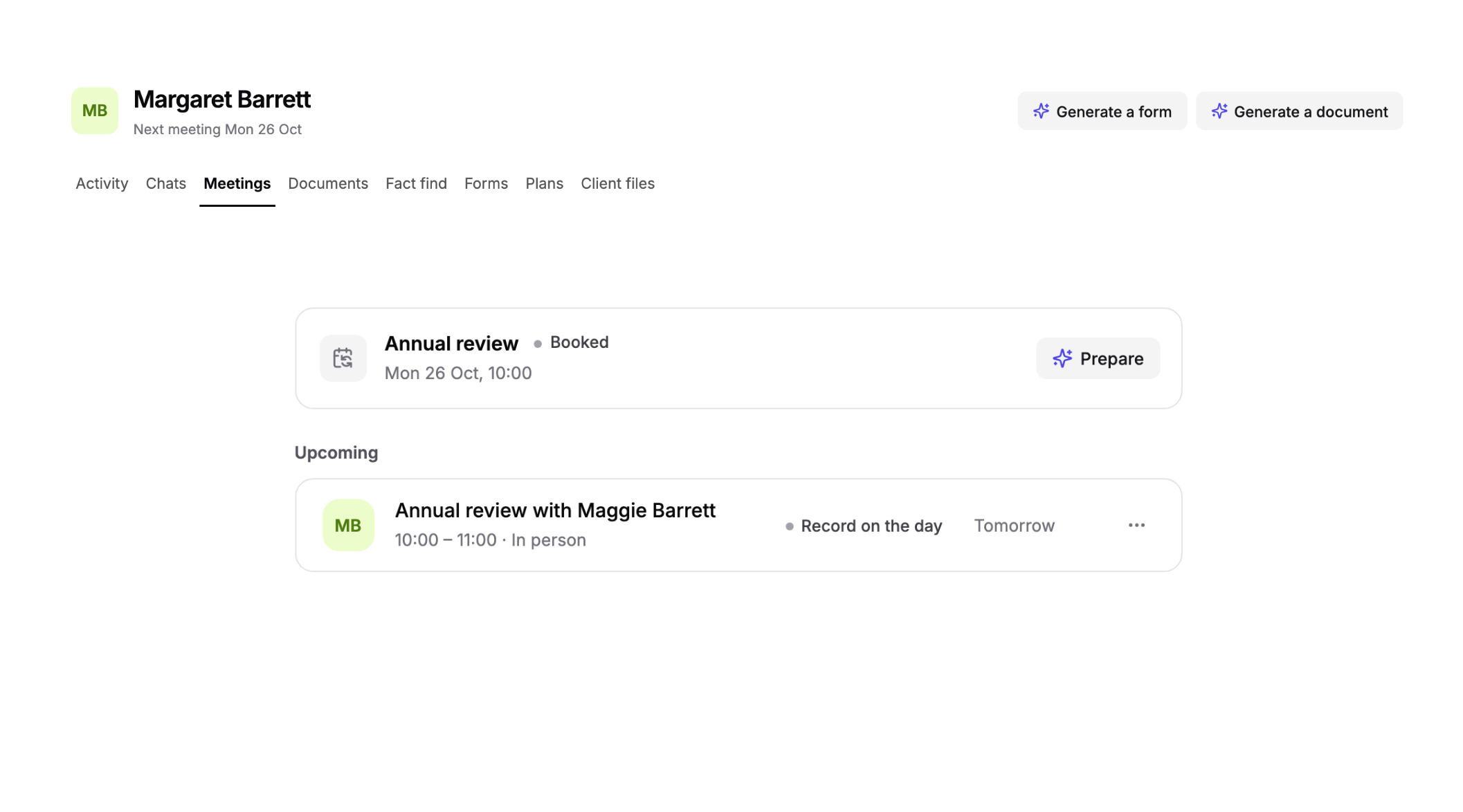
The Meetings tab in each client room now tracks their annual review: when the last one was held, when the next is due, and whether it's booked or overdue. One click asks Templi to draft the invitation, and Prepare writes a brief from their past meeting notes.
Meetings: a simpler list, and follow-ups in a click
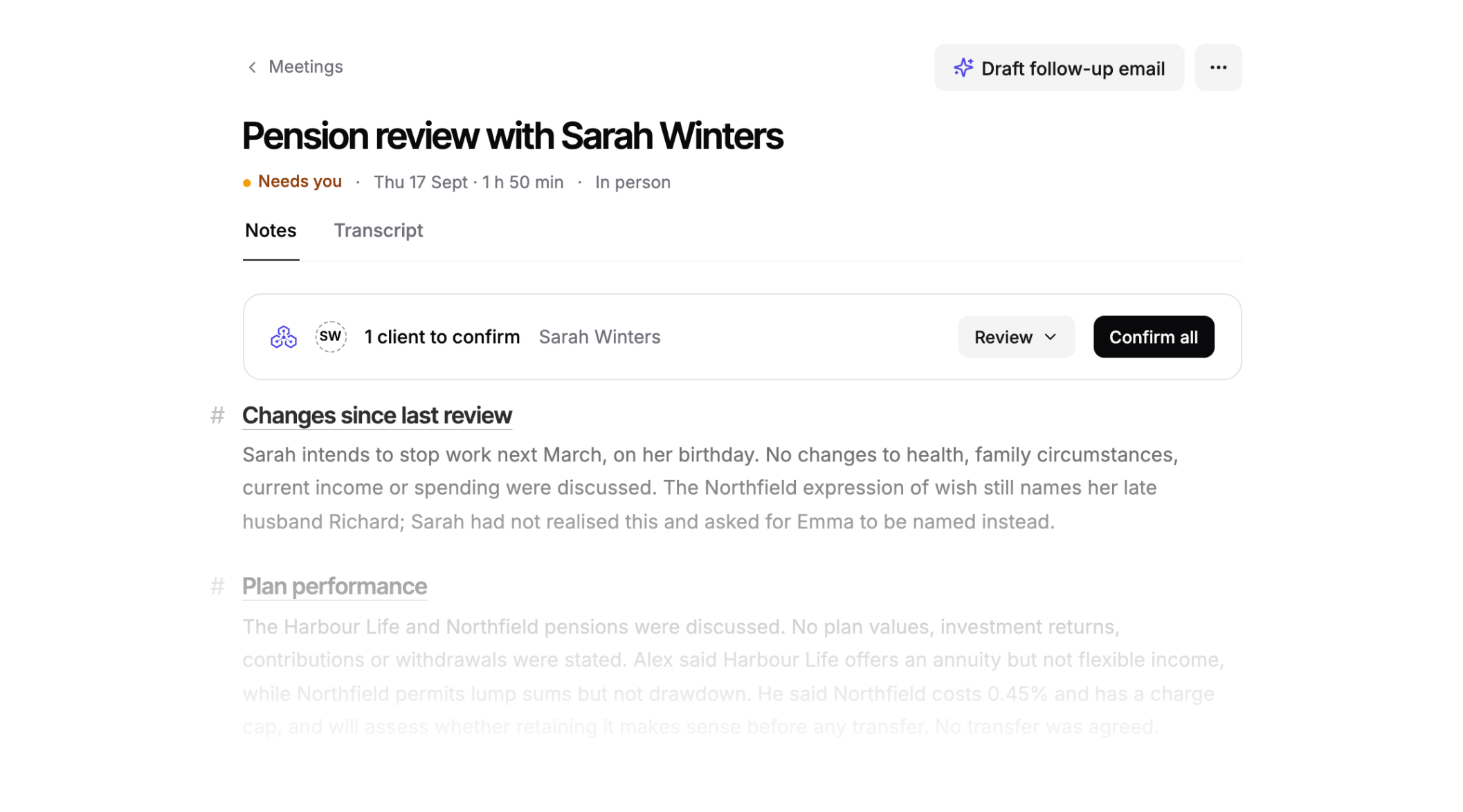
Meetings is one list now: what's up next with Prepare and Join, then this week and the past. Open a meeting to see its notes, transcript and recording next to Templi, and draft the follow-up email to your client with one button.
Library: everything Templi makes or reads
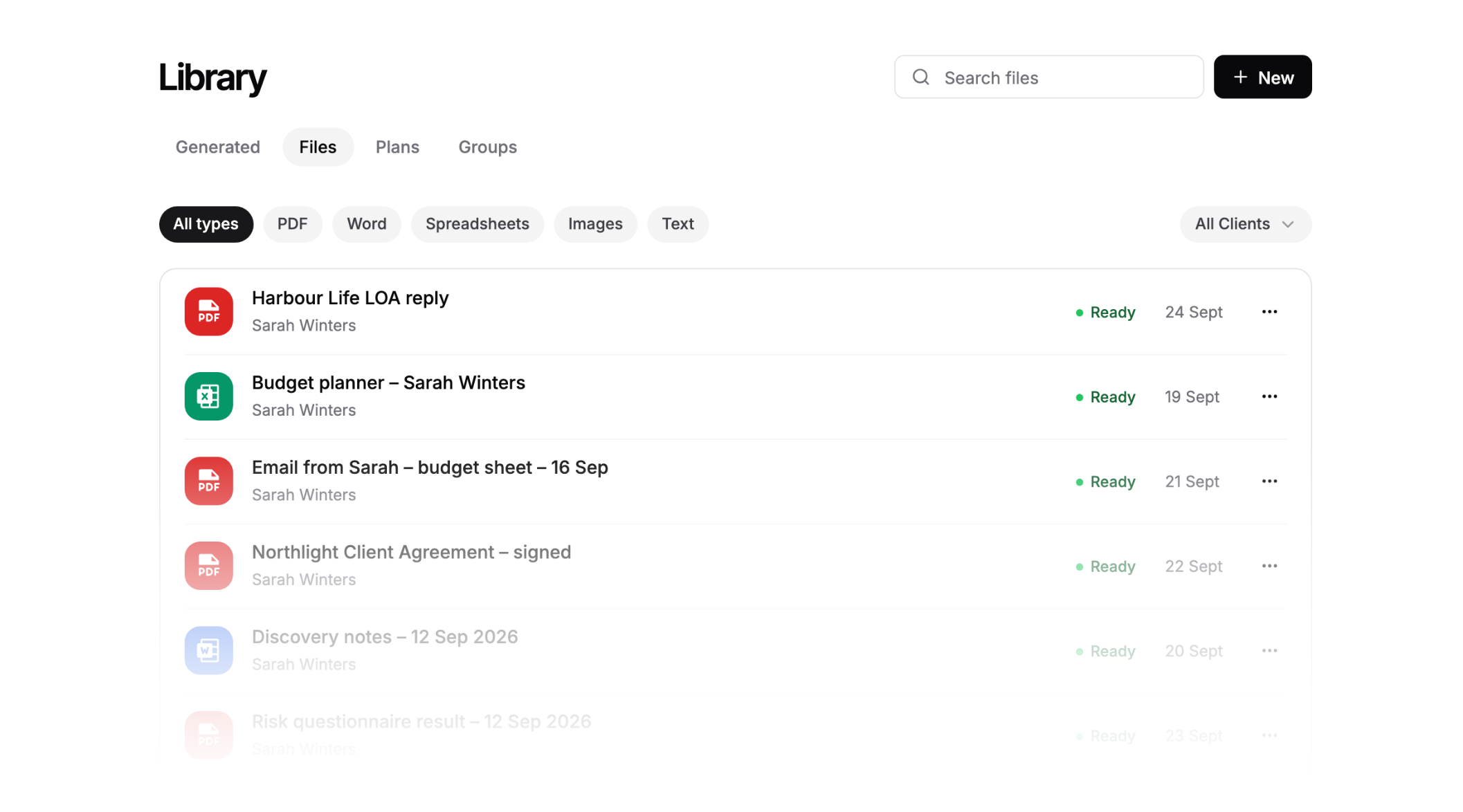
Every suitability report and document Templi has generated, every client file, plan and group now lives in the Library. Find any of it with one search, without opening each client first.
Customise: set Templi up your way
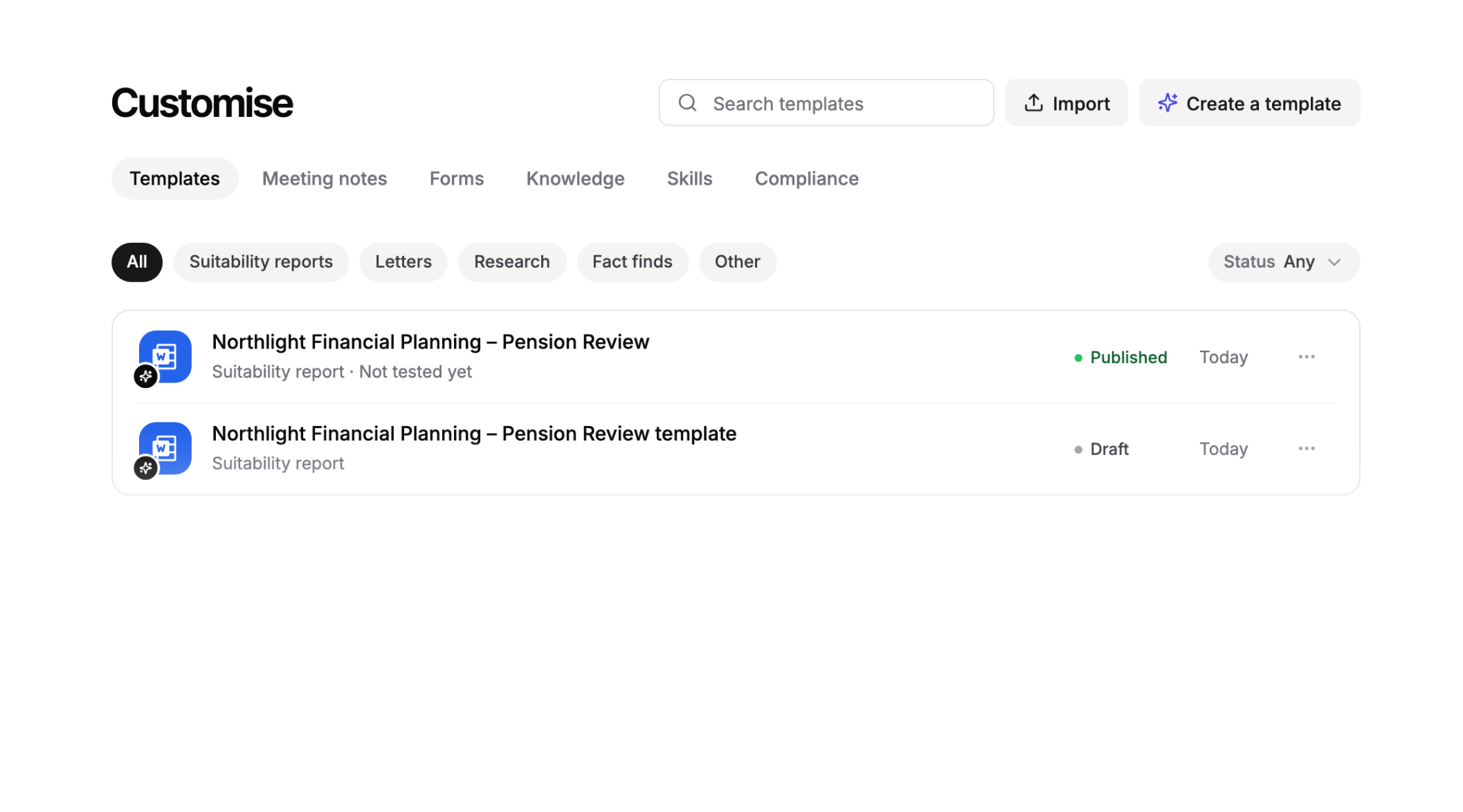
Your report templates, meeting note templates, forms, skills, knowledge and compliance checks are all managed from one screen. Import a Word template or describe the one you want, and Templi sets it up with you in a chat.
Connectors: every app in one list
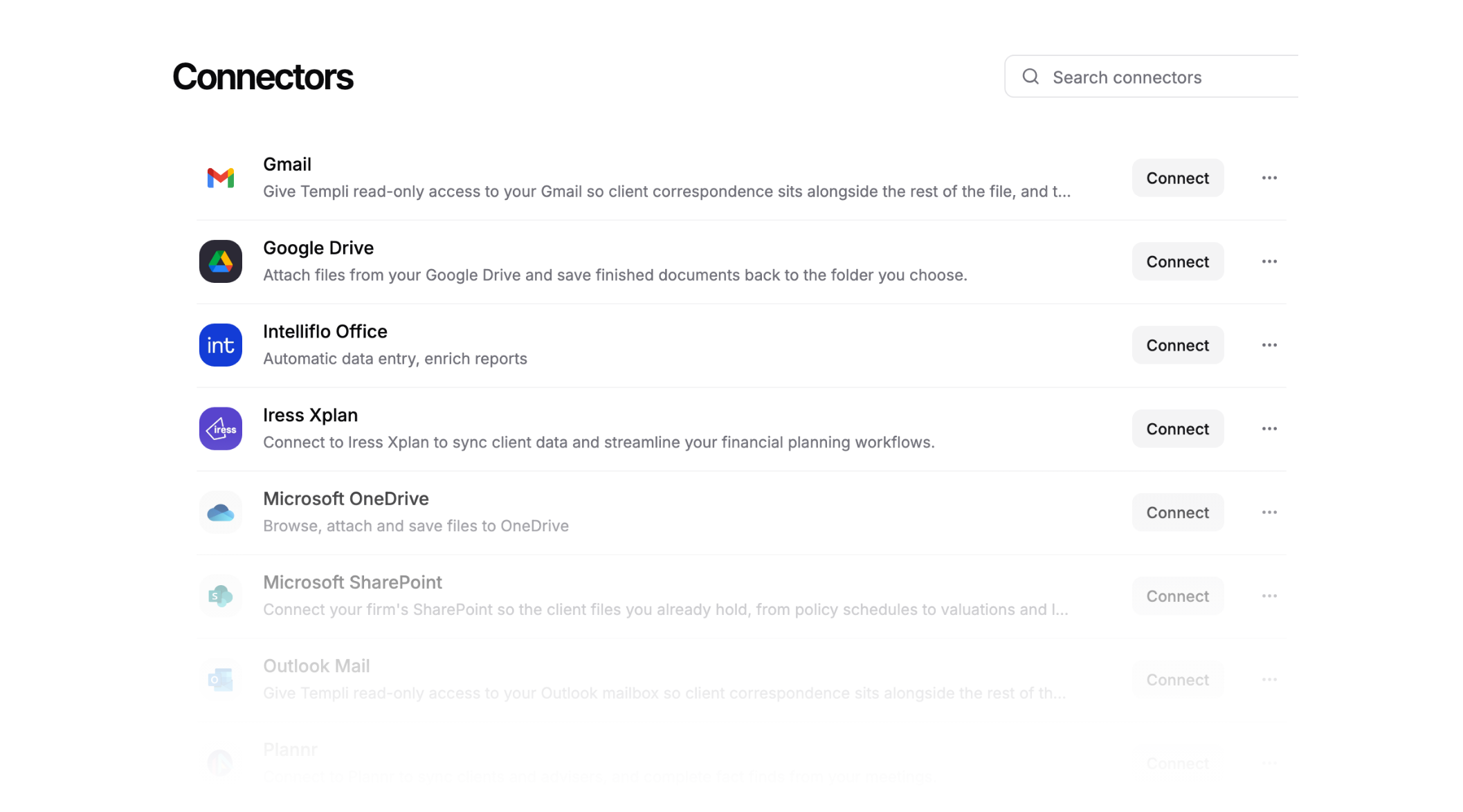
Connectors shows every app Templi works with in one simple list: your CRM, email, calendar and file storage. Connect one in a couple of clicks and Templi can use it in your chats straight away.
Learn the new Templi
We've relaunched our help centre with guides to every part of the new Templi. You can also ask Templi itself: open a chat and ask how the Desk, client rooms or any of the new features work.
For a closer look, Jack's tutorial takes you through each new screen step by step.
See Templi in action
See the new Templi for your own clients. Book a demo with the team.