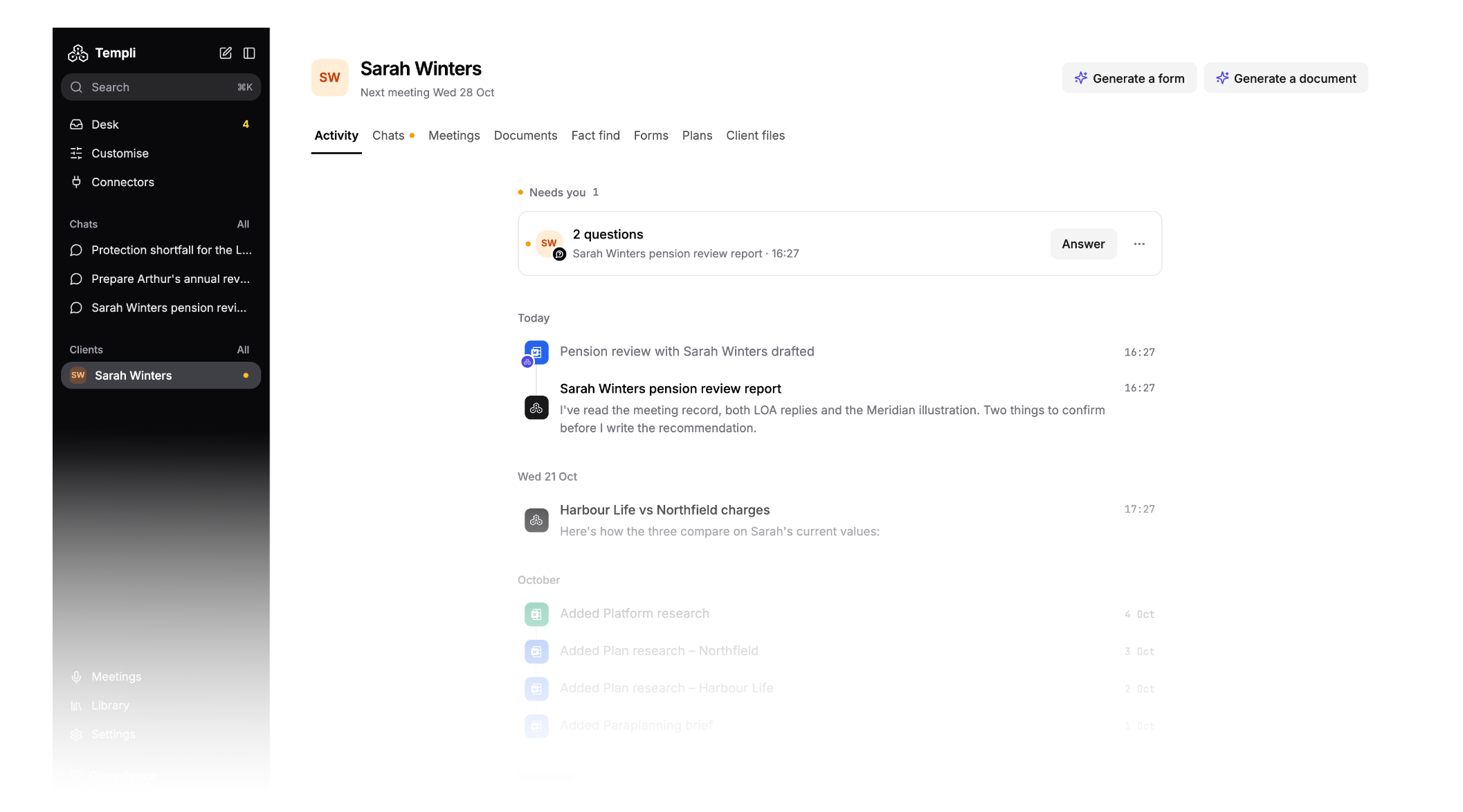
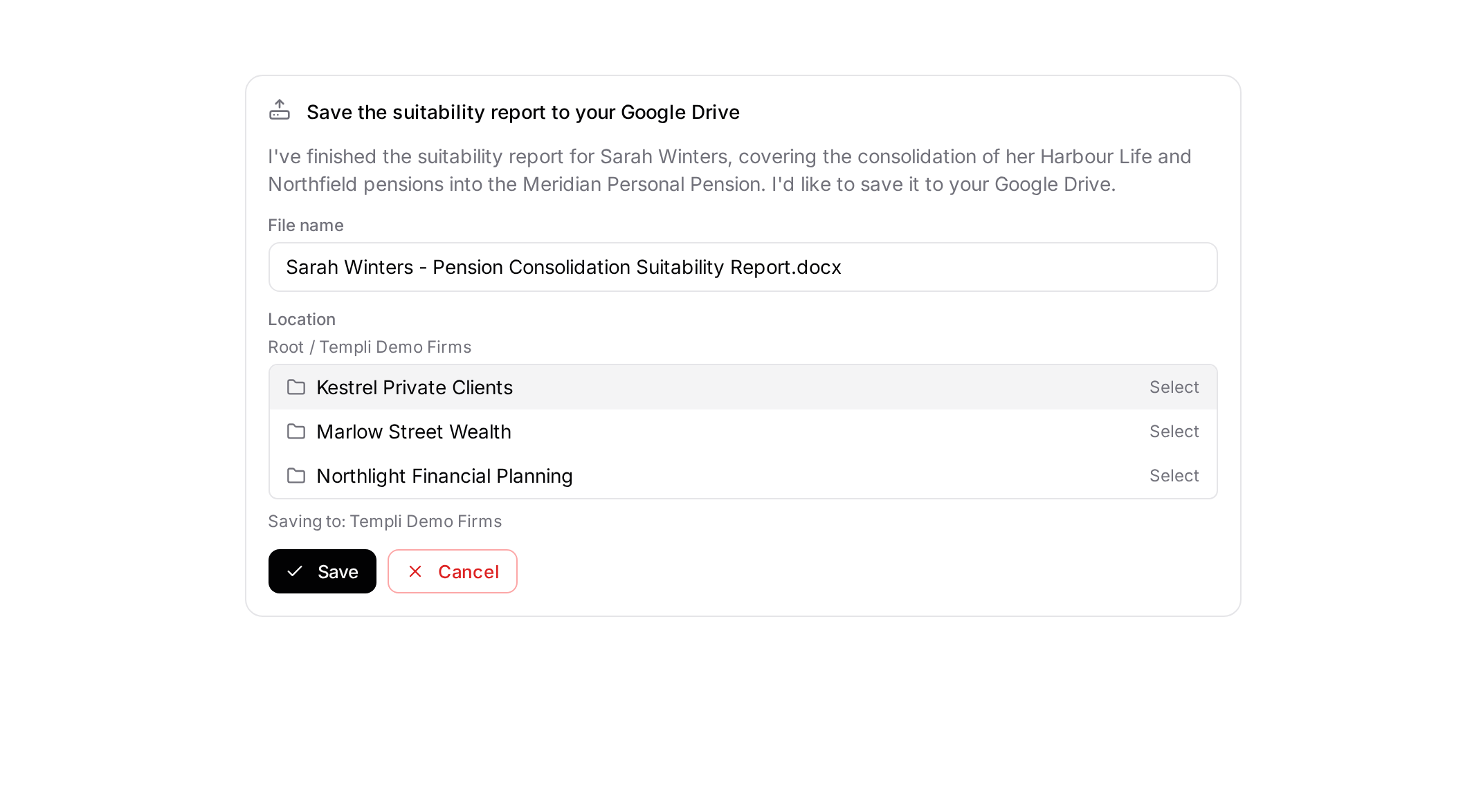
Templi now saves client work where you keep it. When a report is ready, pick the folder in your Google Drive, OneDrive or SharePoint and press Save. You can also follow a live transcript while a meeting runs.
Save reports to your firm's drive from chat
Until now, getting a finished report out of Templi meant downloading it, finding the right client folder in Google Drive, OneDrive or SharePoint, and uploading it by hand. That also left a copy on your desktop, which is one more version to keep track of.
Now you can save it from the chat where Templi wrote it. When a report is ready, Templi offers to save it. Check the file name, pick the folder and press Save. Nothing is saved until you do, and the picker shows the real folders in your connected drive, so there is no guessing at names.
It works for reports and other files Templi produces, and it works the same way across Google Drive, OneDrive and SharePoint, whichever your firm has connected.
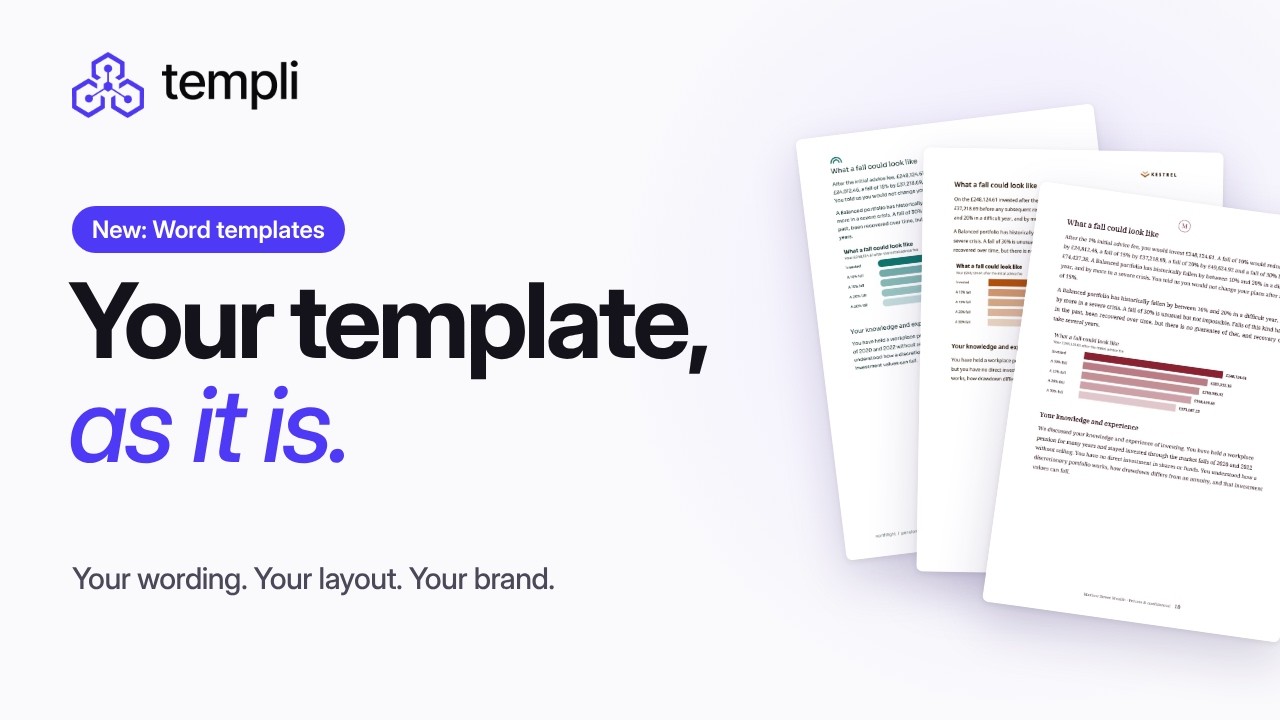
Build a new template from the ones you have
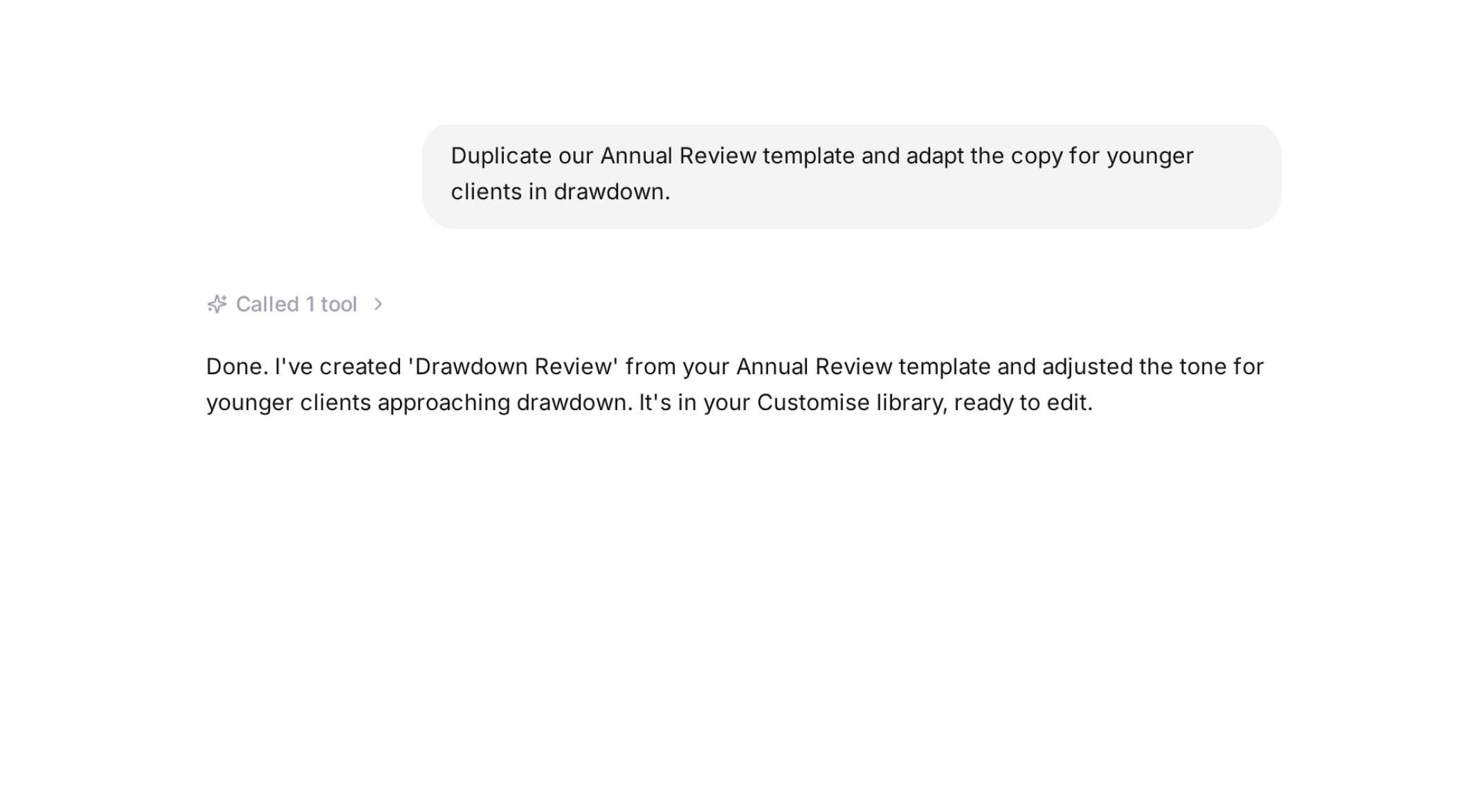
Ask Templi to copy a template or document, or to build a new template from several. Say "Duplicate our Annual Review template and adapt the copy for younger clients in drawdown", and the new version appears in your Customise library, ready to edit.
Meetings
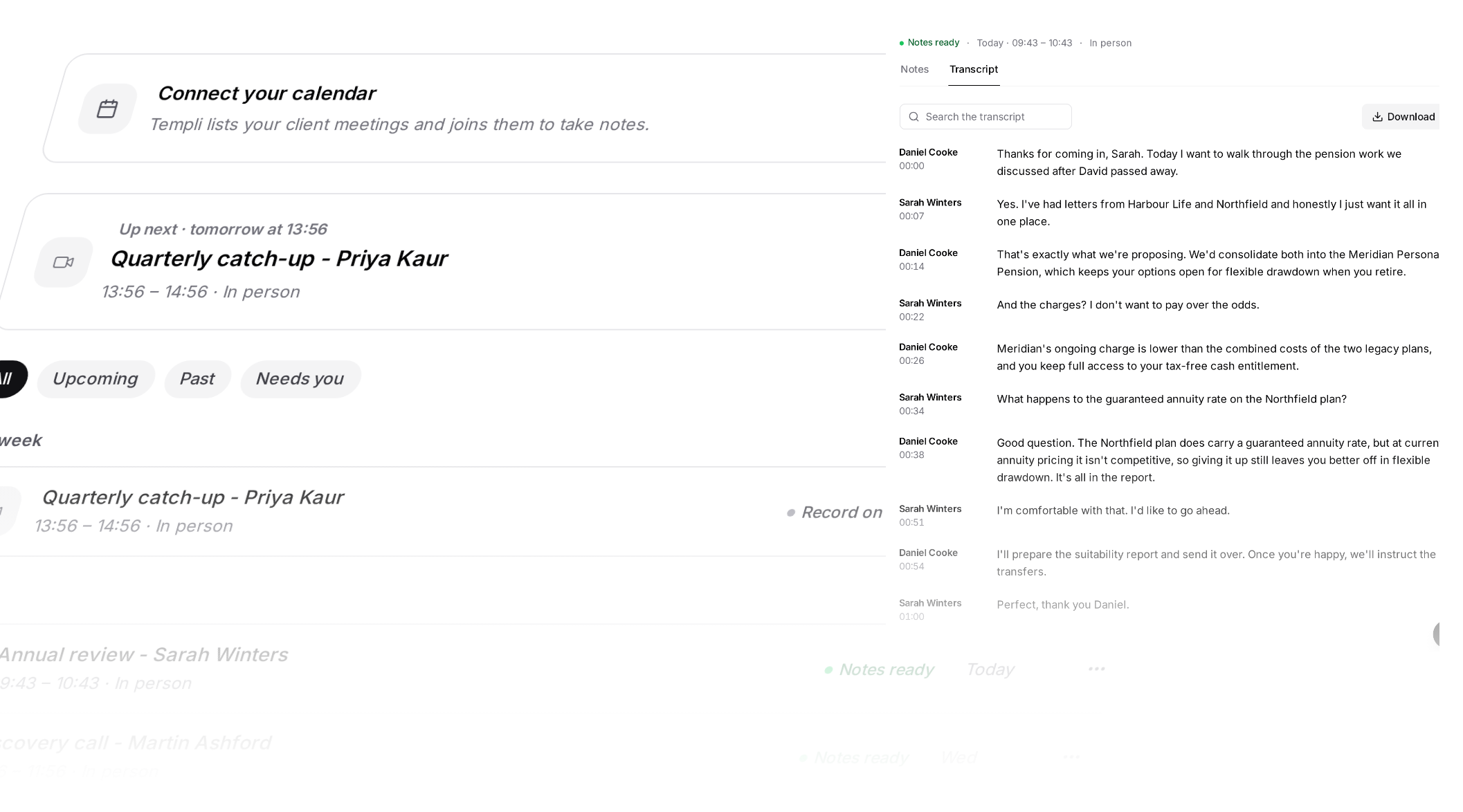
Watch the transcript while the meeting runs
The transcript now appears in the web app while the notetaker records, so you can look back at what was said without waiting for the notes. You can also open a colleague's meeting and generate notes on it, and the notetaker in the call now shows Templi branding.
Ask Templi to set up your meeting note templates
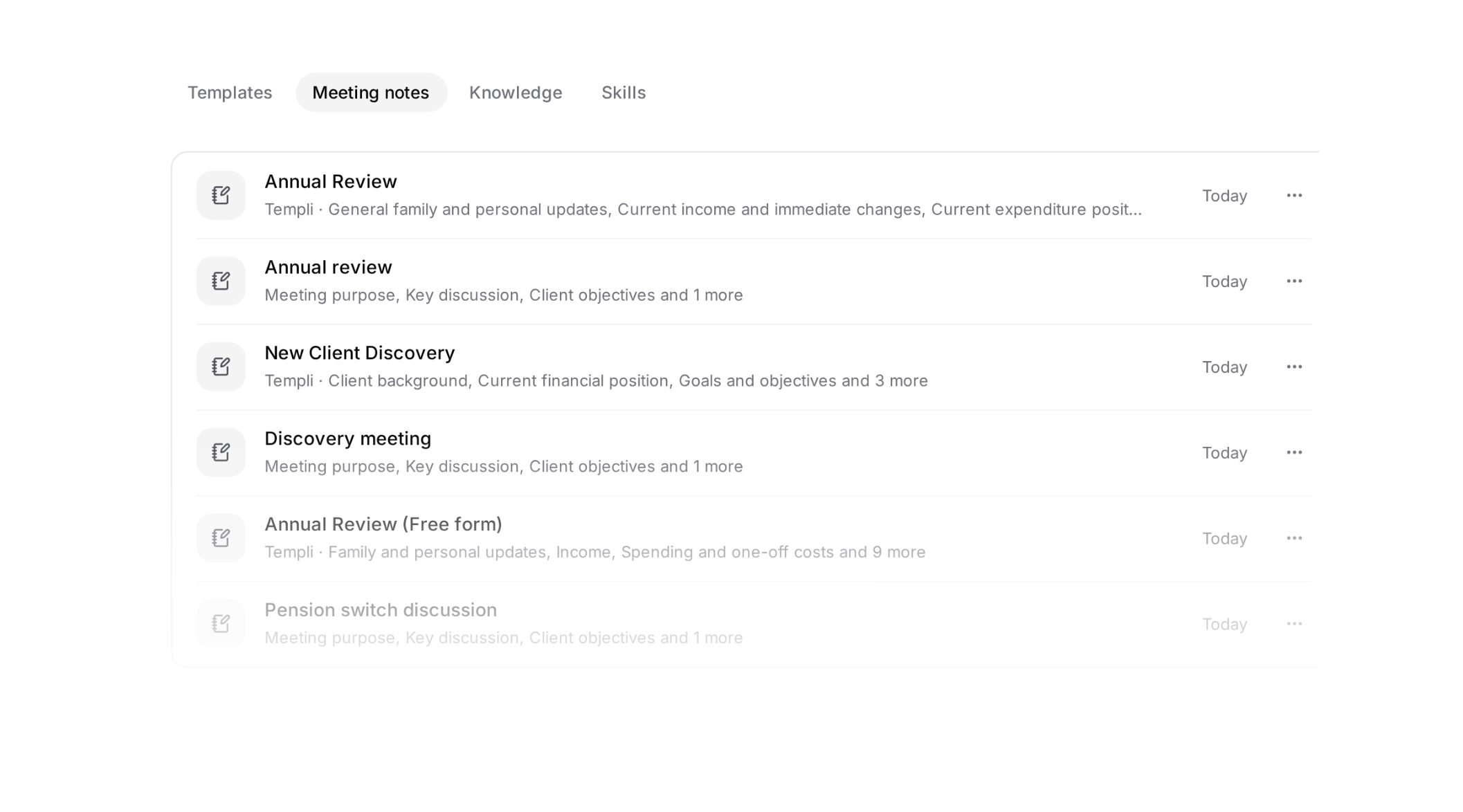
Ask Templi in chat to create or edit a meeting note template. Give it an example of a note you like and it builds the template, ready to use on your meetings.
Improvements
- The home page loads faster: on a first load, the home page is ready in 2.0 seconds, down from 3.2, and downloads half as much code. Our own measurement on production builds, on a connection slowed to Fast 4G.
Integration updates
- CRMs (Intelliflo): a client's risk profile, dependants, expenditure and goals now come into the Templi fact find.
See Templi in action
Explore how Templi can save your client work where you keep it. Book a demo with the team.