Plannr logo Plannr

Import from Plannr.

Templi reads your Plannr client data into fact finds, meeting notes and suitability reports, then writes the changes you approve back to Plannr. Sign in once and the re-keying stops.

A fact find pre-filled from Plannr, with gaps flagged for the client meeting
How it works

Live on Plannr in three steps.

  1. 01

    Connect Plannr

    Install the Plannr integration and sign in with a Plannr login that has write access. Templi connects over OAuth, so there are no API keys to copy.

  2. 02

    Clients come across

    Your Plannr clients and advisers import into Templi, matched to your team. Titles, nationalities, occupations and product providers come from Plannr's own lists, so what goes back matches what your team uses.

  3. 03

    You approve what goes back

    Fact find updates and meeting outcomes are listed per client for you to check. Confirm them and they write back to Plannr. Nothing writes without a person's approval.

Your Plannr record,
doing the paperwork.

Fact finds

Fact finds filled from Plannr

Start a fact find and Templi pre-fills it from Plannr: personal details, health and lifestyle, employment, income, dependants, goals, estate planning and review dates. Meeting transcripts complete the gaps, and you approve what writes back.
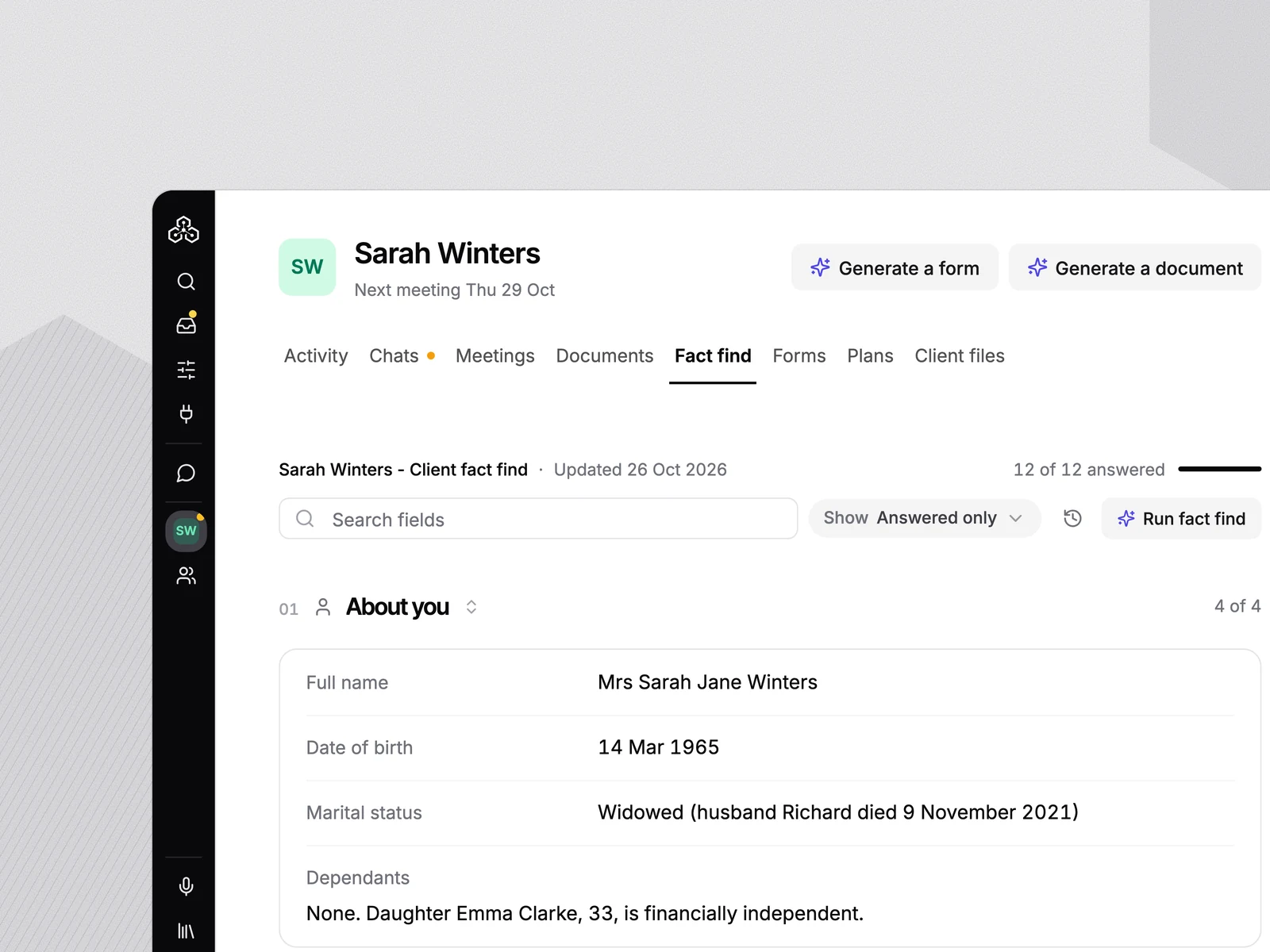
A fact find pre-filled from Plannr with gaps flagged
Meetings

Meeting notes that update Plannr

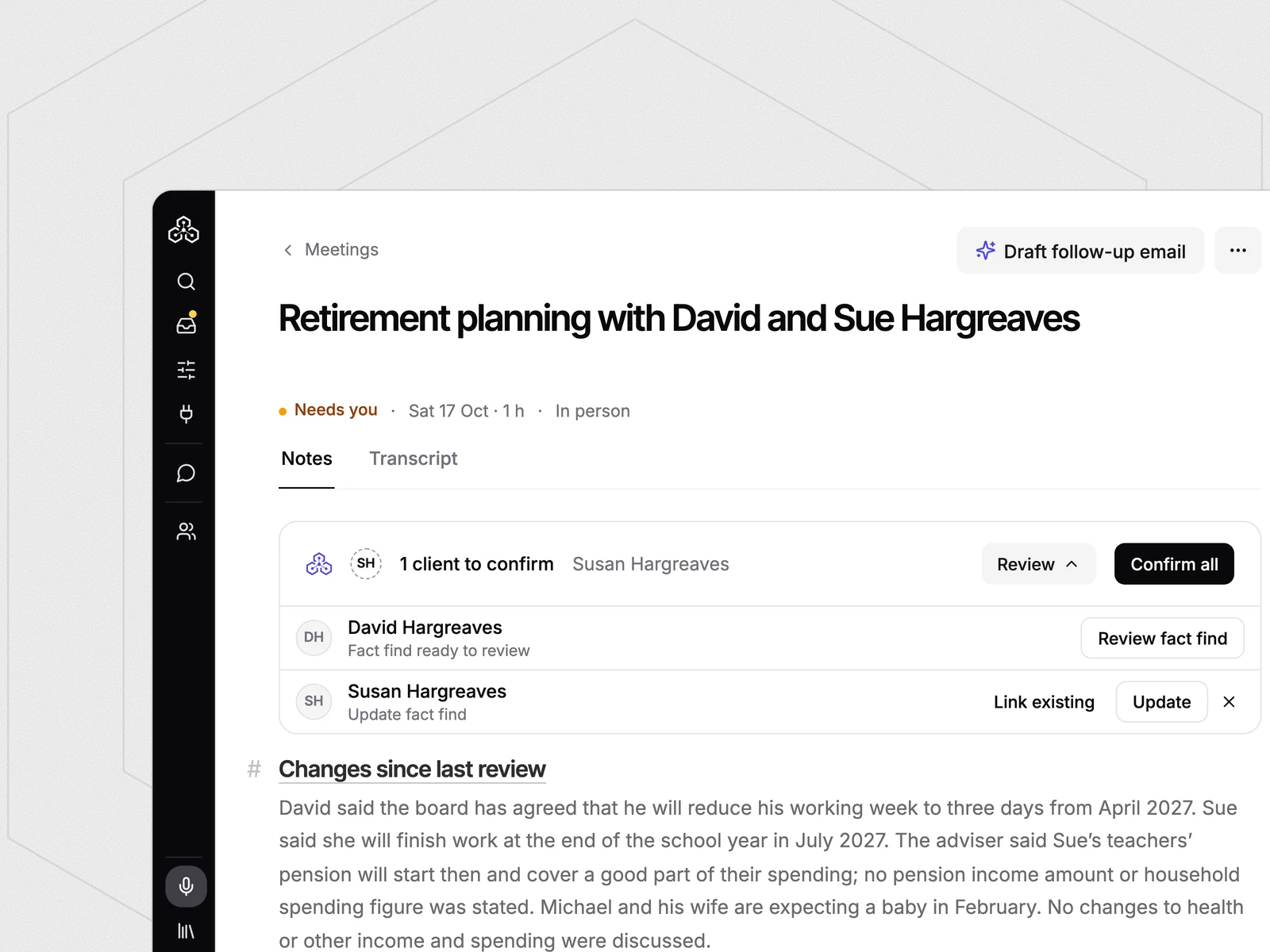
Record the meeting with or without a bot. Templi writes the file note in your firm's format and lists the client changes it heard. Confirm them and Plannr updates.

AI meeting notes
Client changes from a meeting queued for Plannr
Reports

Suitability reports grounded in Plannr

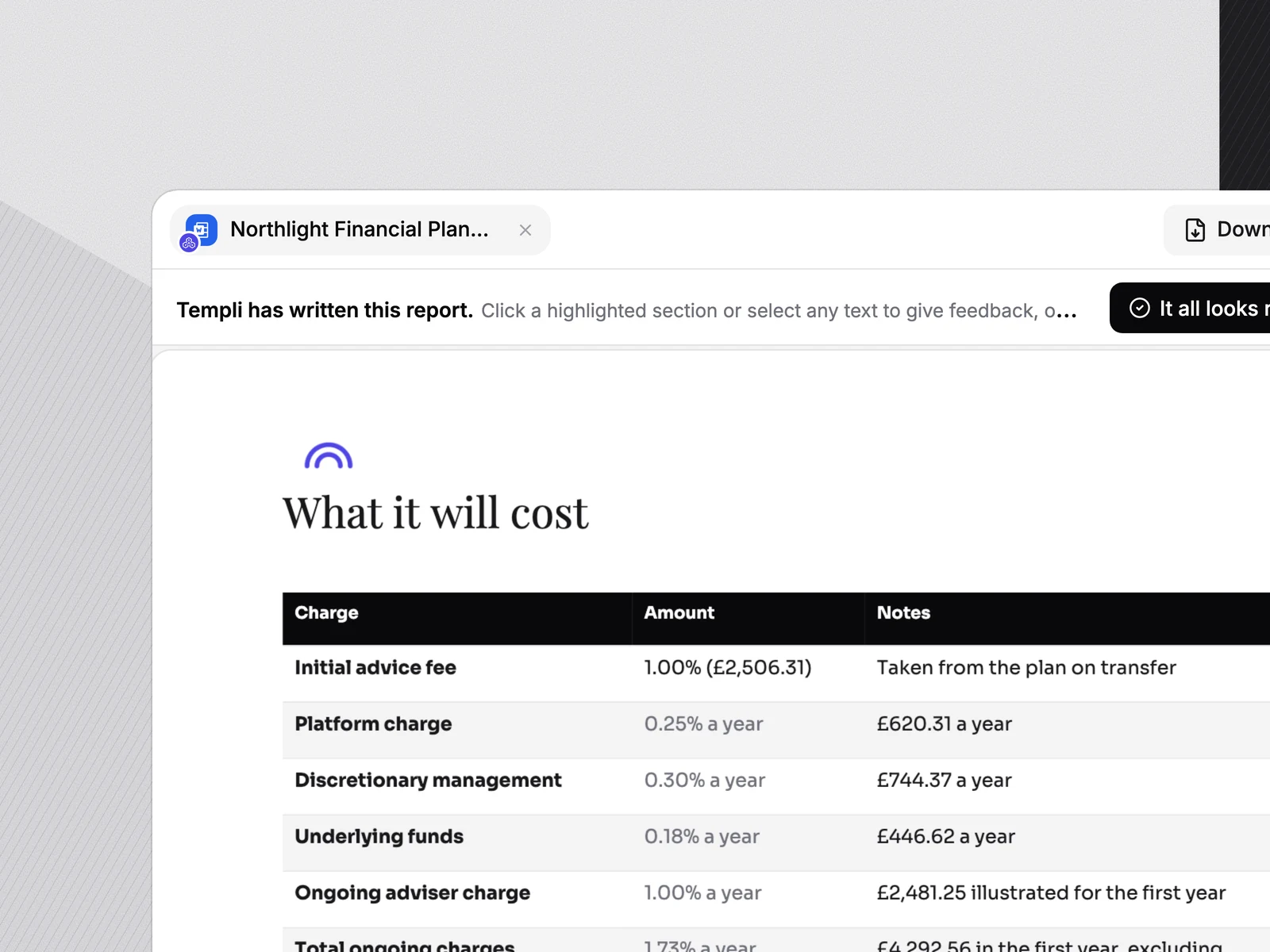
The report draft draws on the same Plannr record, with plans, policies and mortgages read for context, and can cite documents held against the client in Plannr. Every line carries a source you can check.

Suitability report software
A suitability report drafted from the Plannr client record
Client file

One client file, both sides kept

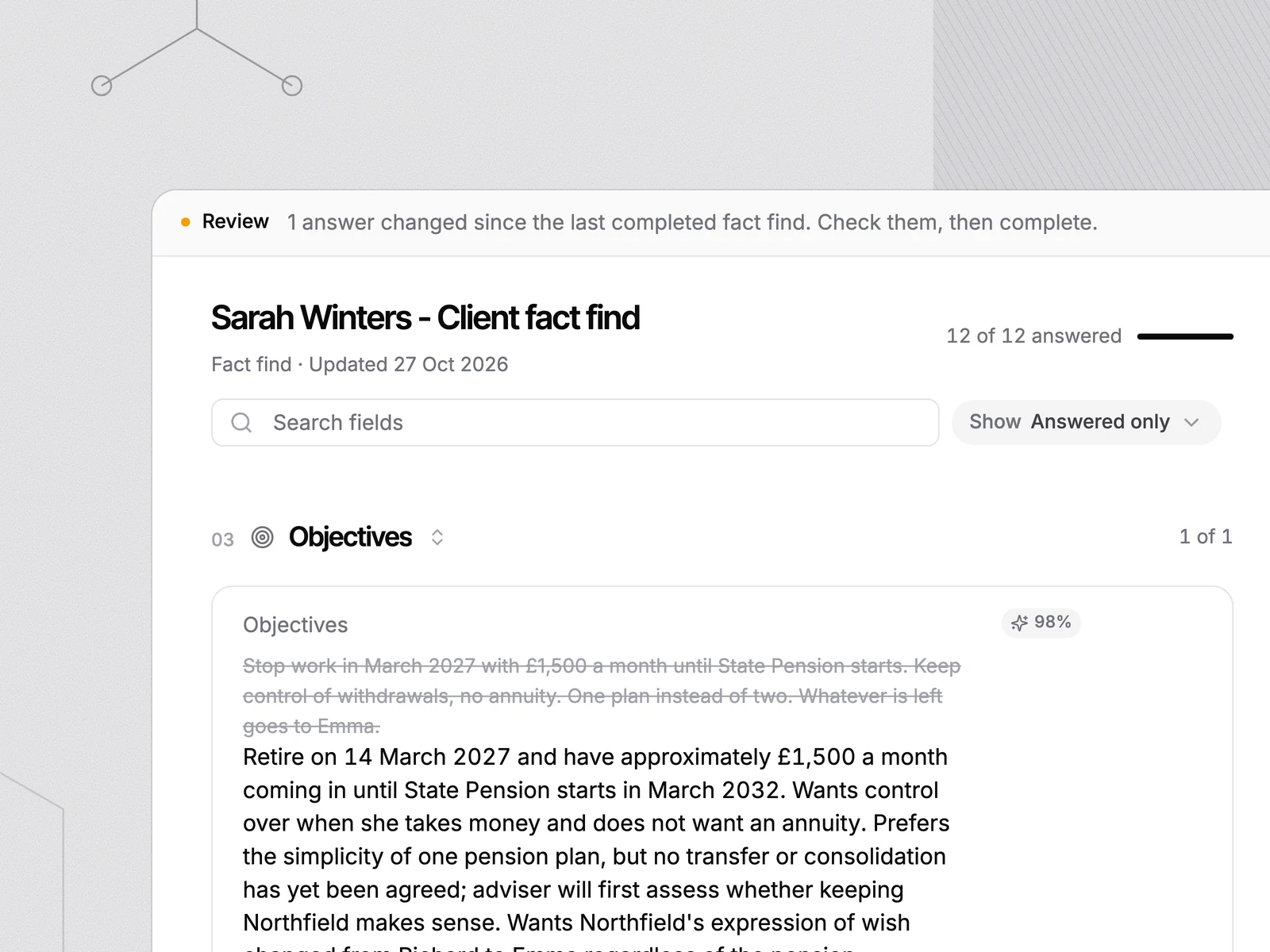
Notes, fact finds, documents and reports in Templi all hang off the Plannr client. Confirm a change once and both sides agree.

Reviewing a fact find section against the Plannr record

Bring your Plannr clients. Leave with the work done.

Book a demo

Plannr stays the system of record.

Templi reads and writes Plannr under your firm's control: OAuth connection, no training on your data, and a person approves every write before it lands. Our trust centre has the detail for your due diligence.

  • ISO 27001 In progress
  • ISO 42001 In progress
  • No training on your data Always
  • Role-based access Standard
  • Human approval before write-back Standard
FAQ

Plannr
questions.

What advice firms ask before connecting Plannr to Templi.

Does Templi integrate with Plannr?

Yes. The Plannr integration is native. It imports your clients and advisers, reads the fact-find fields Templi needs, and writes your approved changes back to Plannr.

How do I import clients from Plannr?

Install the integration from the Templi app store and sign in with a Plannr login for an active firm, with write access. Clients and advisers import automatically and stay in sync after that.

What does Templi write back to Plannr?

Fact find fields in both directions, including personal details, addresses, health and lifestyle, employment, income, dependants, goals, estate planning, vulnerability and review dates. Each change waits for your approval.

Does Templi write plans back to Plannr?

Not yet. Plans, policies and mortgages are read for context when drafting, and risk assessments are read only. Expenditure is not currently synced.

Does Templi replace Plannr?

No. Templi sits on top of Plannr. Plannr stays your system of record, and Templi reads from it and writes back only what you approve.

Is there an AI note taker that works with Plannr?

Yes. Templi records the meeting with or without a bot, writes the file note in your firm's template, and queues the client changes for Plannr.

See Templi working with Plannr.

Book a demo