Plans
Fundment plans inside the client file
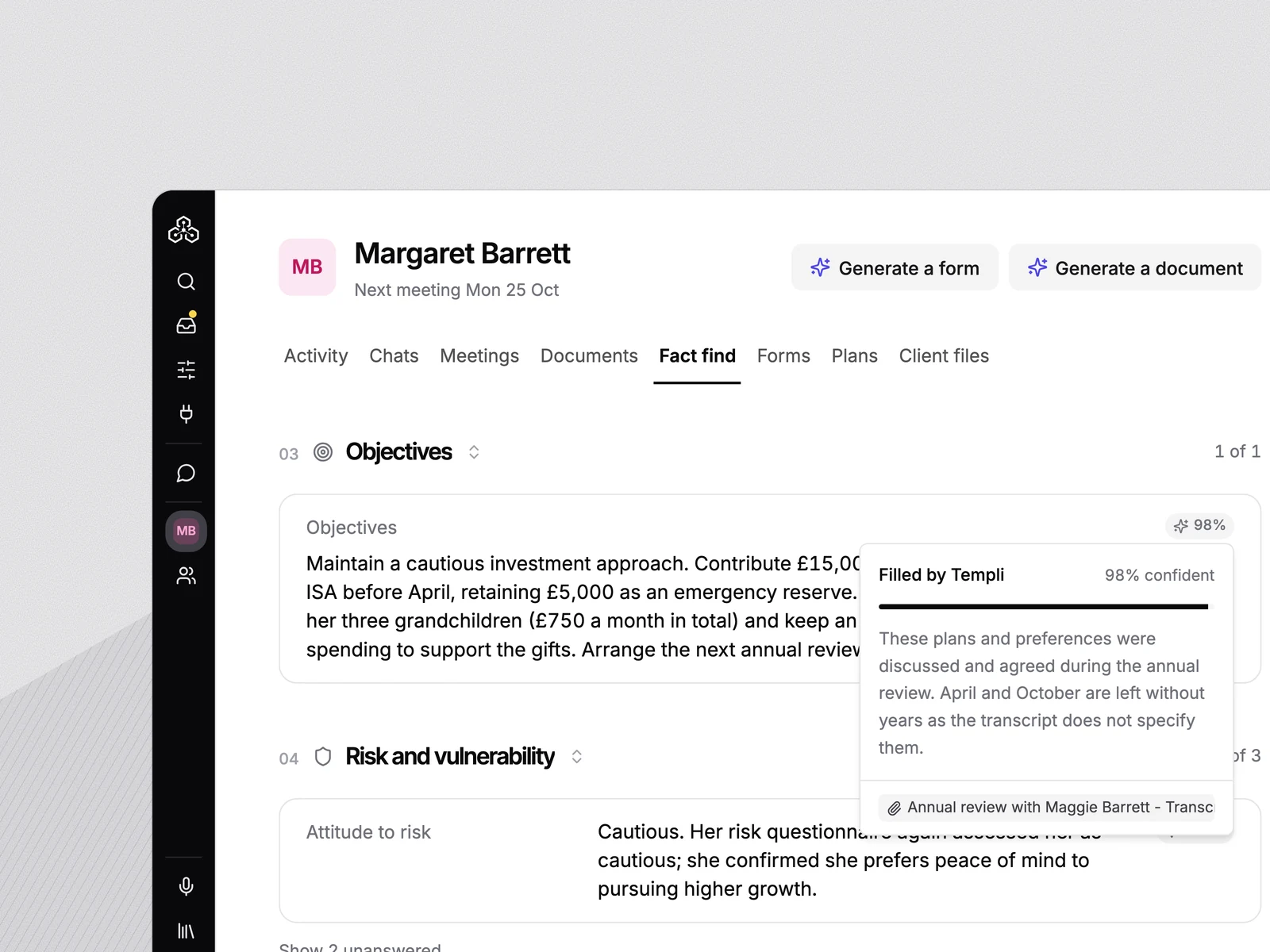
Values, holdings, book cost, transactions and fees sit against the client, so Templi can answer questions on performance, strategy and charges from your live Fundment data.
 Fundment
 Connect Fundment and your clients' plans appear in Templi: values, holdings, book cost, transactions and the fees charged. Ask questions about any plan, run illustrations, and draft account openings and transfers for approval.
Install the Fundment integration and sign in with your Fundment adviser login. Templi connects over OAuth under your own login and permissions, so there are no API keys to copy.
Your clients' Fundment accounts show in Templi as plans, with values, holdings, book cost, transactions and the fees charged, hanging off the same client file as the rest of your work.
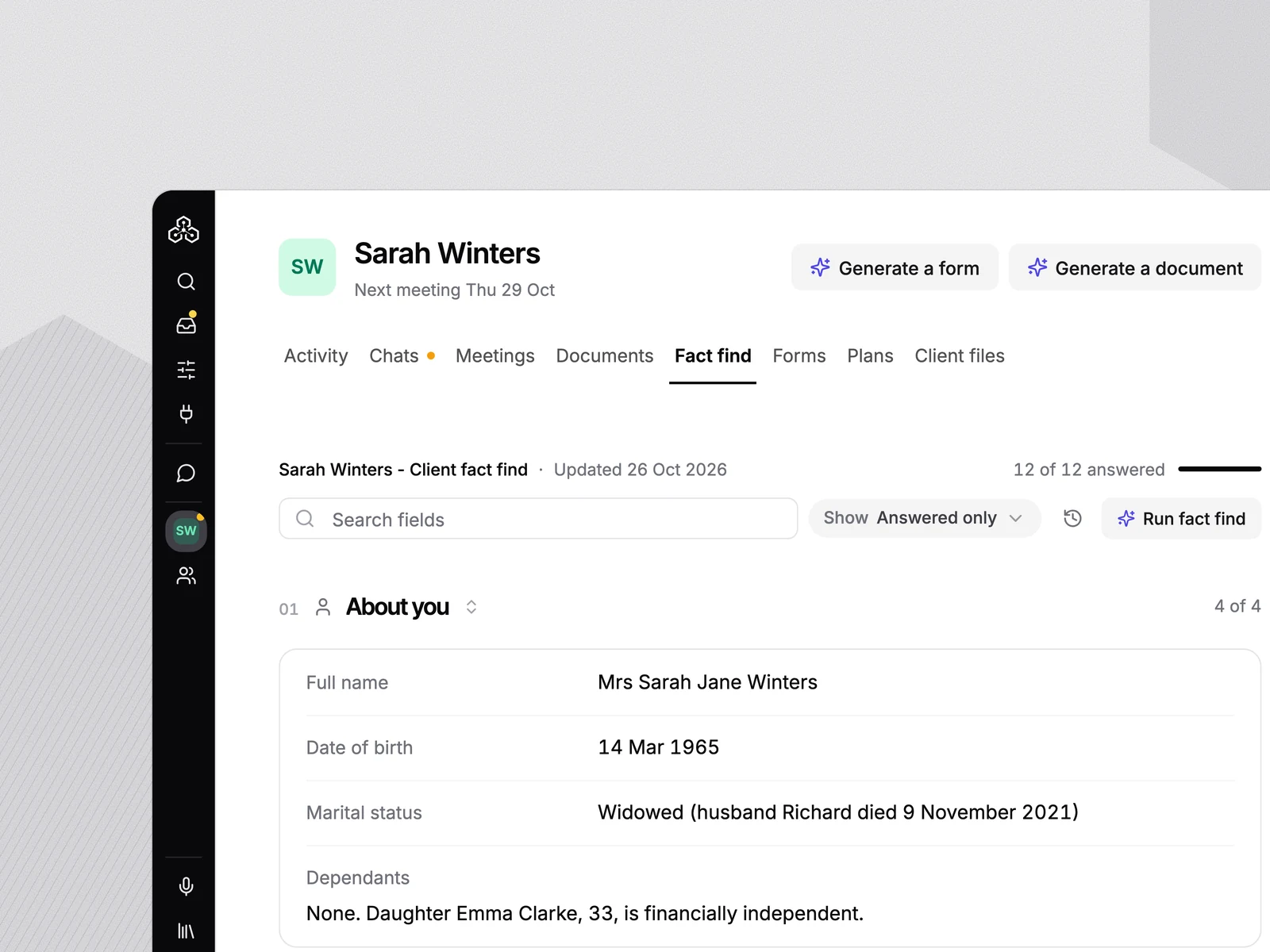
Templi drafts account openings, transfers in, top-ups and withdrawals from the fact find. Nothing goes to Fundment until you approve it, and the client then signs Fundment's own approval pack.
Values, holdings, book cost, transactions and fees sit against the client, so Templi can answer questions on performance, strategy and charges from your live Fundment data.
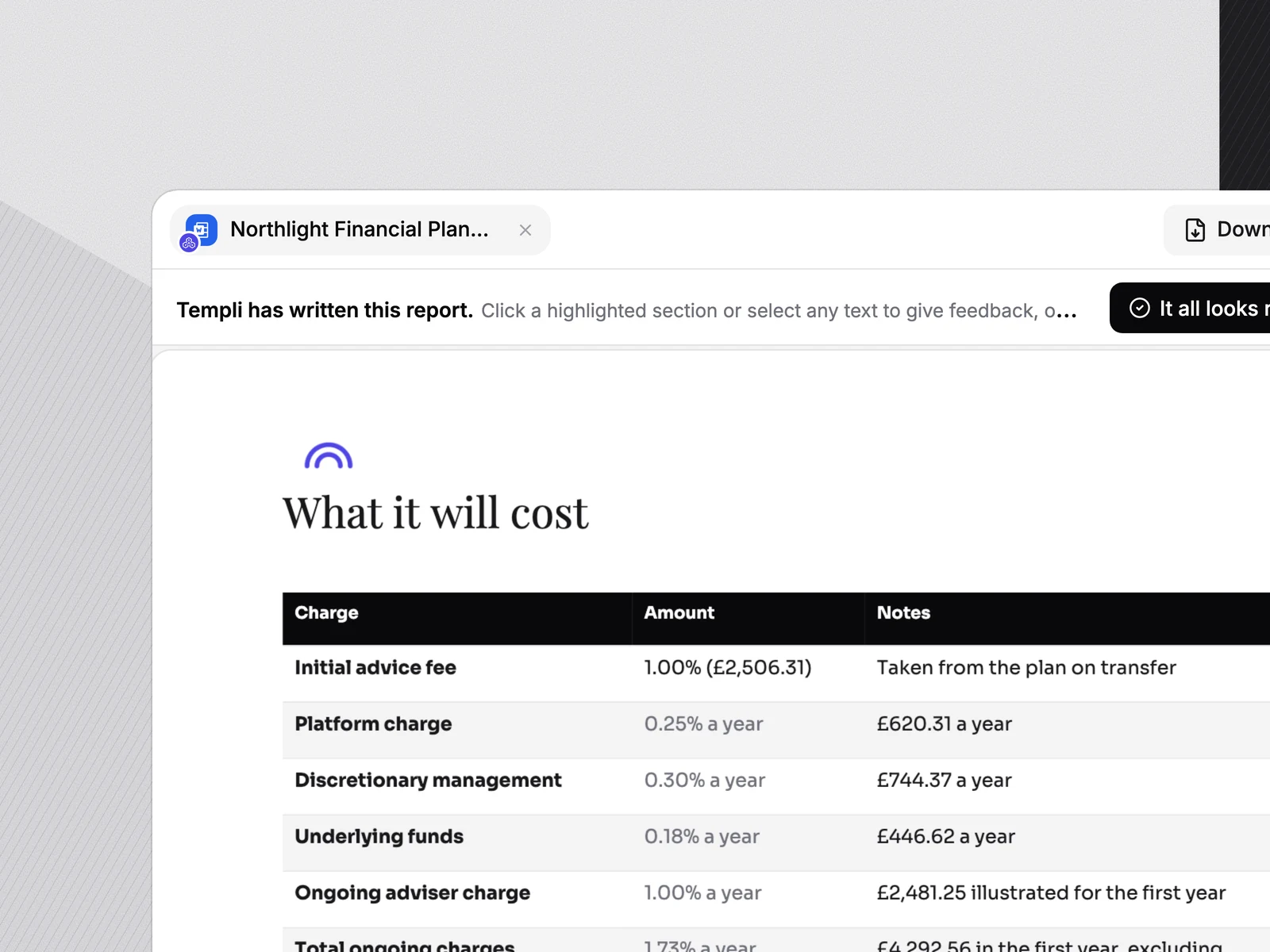
Illustrate an existing account, a top-up or a new account before the client goes ahead, and Templi saves the PDF to the client's Files. See the unrealised gain or loss on a general investment account and what a proposed sale would realise.
Templi drafts account openings, transfers in, top-ups and withdrawals from the fact find. Nothing reaches Fundment until you approve it, and the client then signs Fundment's own approval pack.
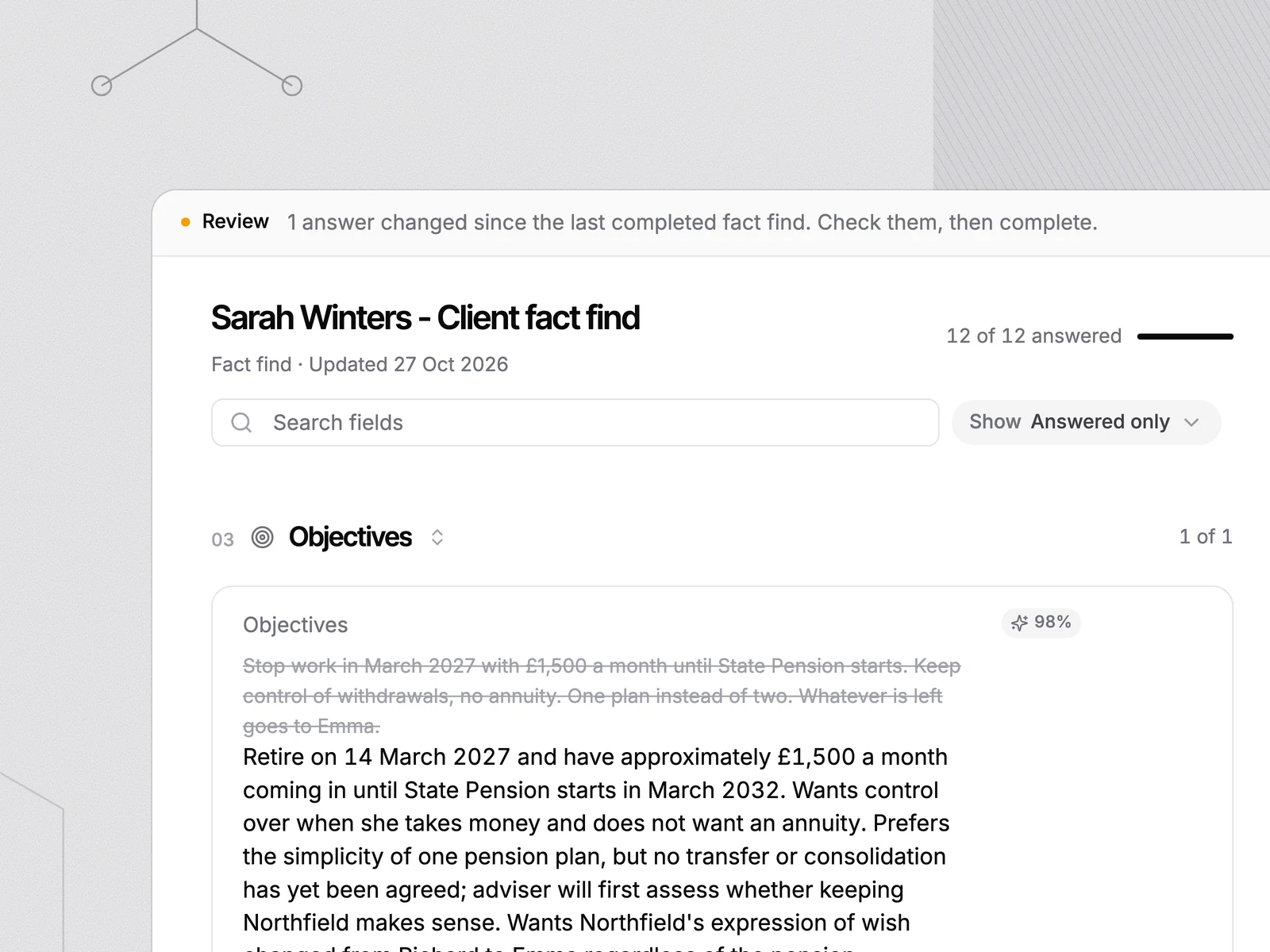
Templi checks Fundment for changes and tells you when a pack is signed or a transfer completes, so nothing sits unsigned in a drawer.
Templi works in Fundment under your own adviser login and permissions: no training on your data, and every instruction waits for your approval plus Fundment's own client pack. Our trust centre has the detail for your due diligence.
What advice firms ask before connecting Fundment to Templi.
Yes. The Fundment integration brings your clients' plans into Templi: values, holdings, book cost, transactions and fees. Templi can answer questions about them, run illustrations, and draft instructions for approval.
Install the integration from the Templi app store and sign in with your Fundment adviser login. Templi connects through Fundment's OAuth flow under your own login and permissions.
No. Templi drafts openings, transfers in, top-ups and withdrawals, but nothing goes to Fundment until you approve it. The client then signs Fundment's own approval pack.
These features arrive in stages. The first release connects your account, then plans, illustrations and instructions follow.
No. Templi shows the unrealised gain or loss on a general investment account and what a proposed sale would realise. It does not calculate capital gains tax.
No. Fundment stays the platform of record. Templi reads your plans, prepares the paperwork, and only acts once you approve it.